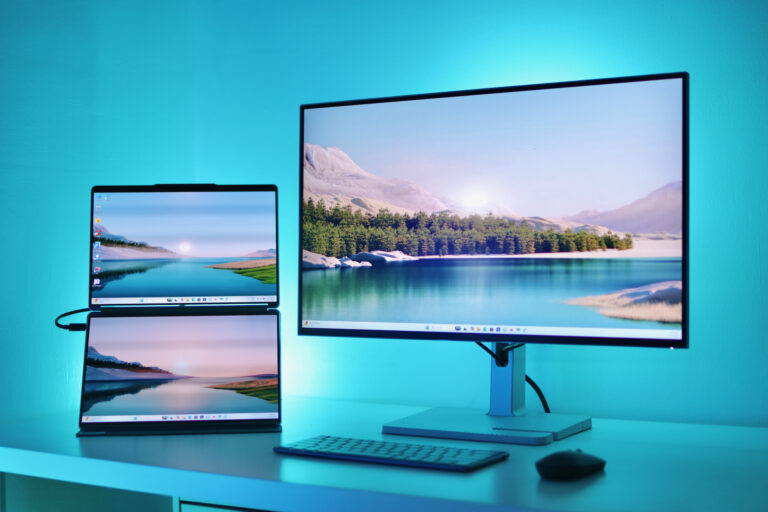
The Lenovo L27h-4A monitor is built for people who need one monitor to do everything. Something for work during the day, gaming at night, and content creation in between, thanks to the QHD resolution, 100Hz refresh rate, and USB-C connectivity that actually delivers on convenience. It’s designed for hybrid workers and casual gamers who value versatility.

The 27-inch IPS panel features 2560 x 1440 (QHD) resolution with a 4-sided ultra-thin bezel design that looks clean and modern. Lenovo calls it ‘Modern Aesthetic’, and we agree. The thin bezels work especially well in multi-monitor setups where you don’t want thick borders interrupting your view. The resolution is just right for the screen size at 109ppi. The IPS technology provides 178° viewing angles, so colors stay consistent whether you’re sitting centered or sharing your screen with someone beside you.
Color performance is strong for this price range. The monitor covers 90% DCI-P3 and 99% sRGB with true 8-bit color depth supporting 16.7 million colors. That’s more than capable for photo editing, graphic design, and content creation. The 1500:1 contrast ratio is typical for IPS panels. Decent blacks, but nothing close to what VA panels deliver. Brightness is good enough for most indoor environments but might struggle if you fully open your windows on a sunny day.

It’s not lacking in eye care technology, though. The Lenovo Natural Low Blue Light mode reduces harmful blue light emissions without the color shift you get from conventional blue light filters. Most software filters turn everything yellow-orange, but Lenovo’s hardware solution maintains accurate color while protecting your eyes during long work sessions. It’s also Eyesafe Certified 2.0 and carries TÜV Rheinland certifications for Eye Comfort and Low Blue Light.

Performance-wise, the 100Hz refresh rate hits a practical sweet spot. It’s smoother than standard 60Hz for everyday scrolling and window management, and perfectly adequate for casual gaming. Response time is advertised as 1ms MPRT, though the actual grey-to-grey response is 4-6ms depending on mode. That’s fine for most gaming scenarios, but competitive players will notice ghosting in fast-paced shooters where sub-3ms response really matters.
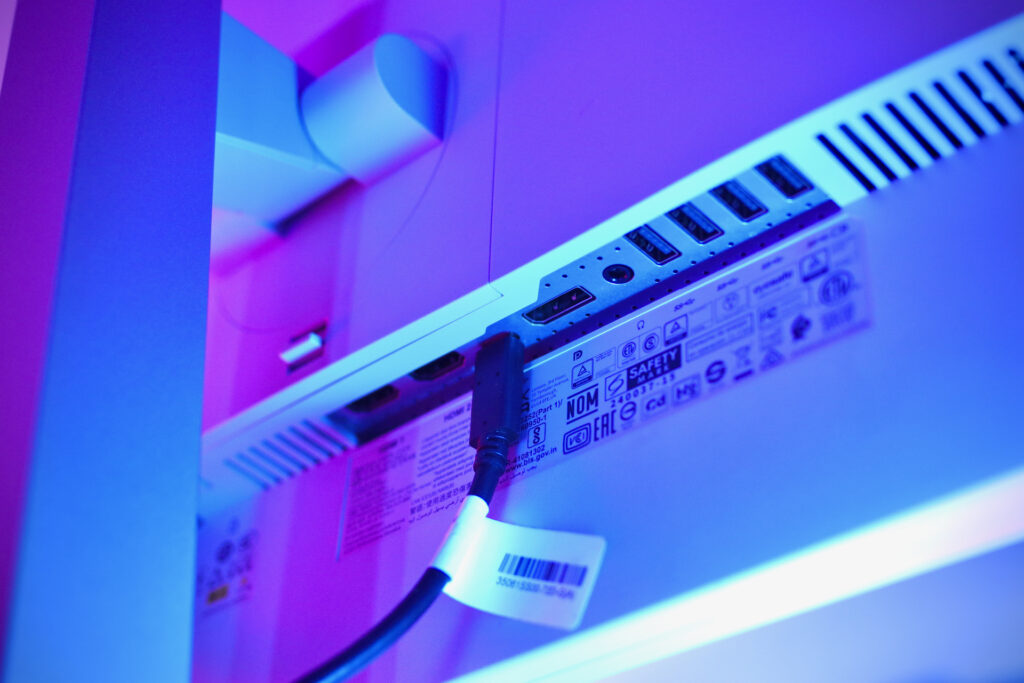
Where the L27h-4A truly delivers is connectivity. The USB-C port provides 75W Power Delivery alongside DisplayPort 1.4 Alt Mode. One cable handles video, data, and charging, which is perfect for ultrabooks and mid-range laptops. We even had our Lenovo Yoga Book 9 connected to it via a single USB-C cable and it was able to run the display and charge the laptop at the same time. The four USB-A downstream ports (USB 5Gbps) turn the monitor into a USB hub, so you can connect your peripherals and accessories directly to it instead of your laptop. You also get two HDMI 2.1 TMDS ports, one DisplayPort 1.4, and an audio-out jack.
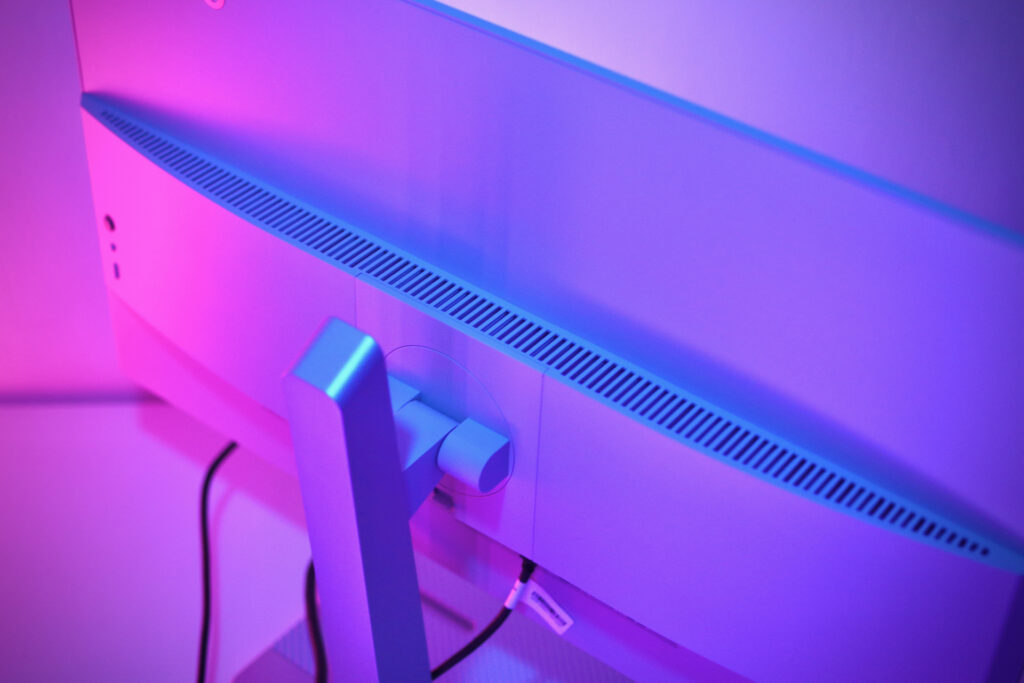
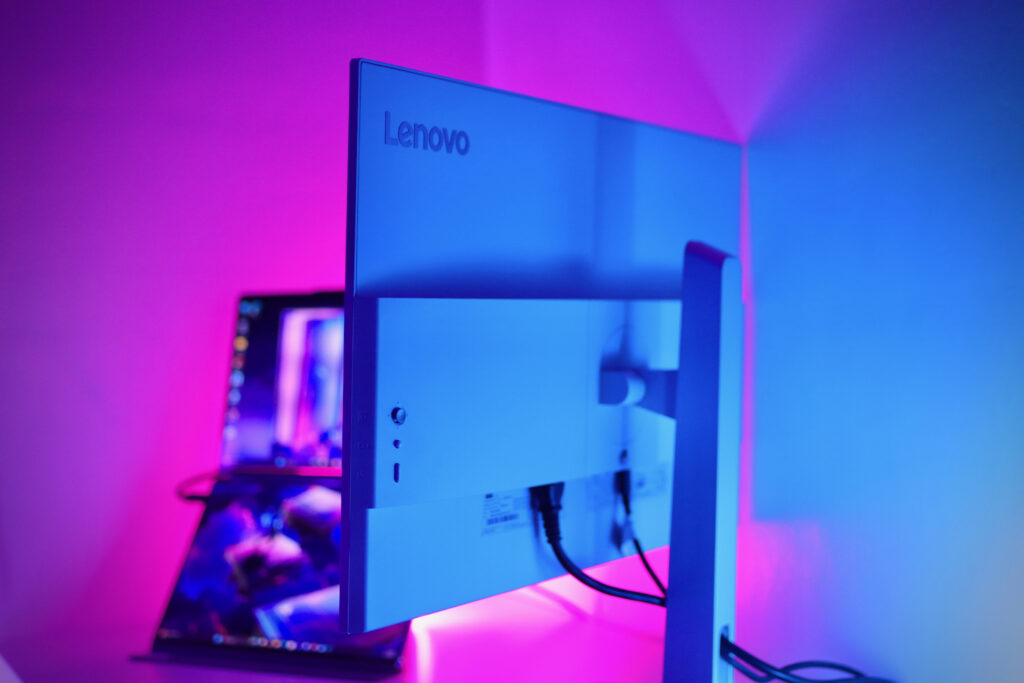
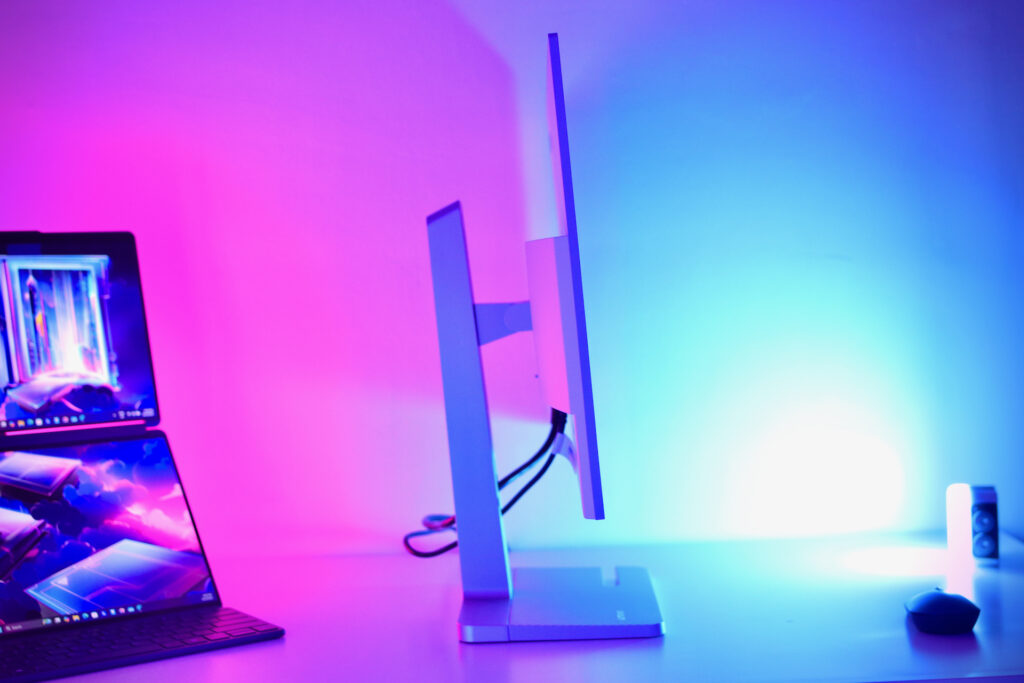
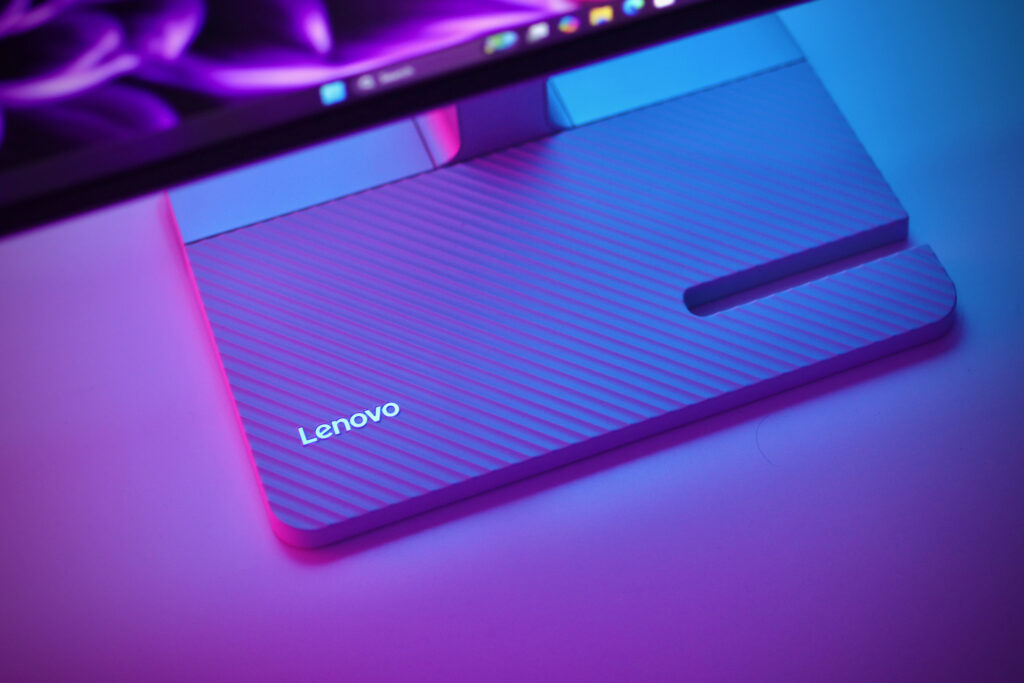
The stand is genuinely versatile with 150mm lift range, -5°/22° tilt, -90°/90° pivot, and full 360° swivel. Whether you’re sitting, standing, or need portrait orientation, the adjustments are there. VESA 100mm mounting is available if you prefer a monitor arm, and cable management keeps your desk tidy. There’s also a notch at the base which works as a smartphone stand. Dual 3W speakers tuned by Waves MaxxAudio are built in. They’re not replacing dedicated speakers, but they’re surprisingly decent for video calls and casual media.
The L27h-4A has clear limitations though but that depends on what kind of user you are. That 100Hz refresh rate and 4-6ms response won’t satisfy competitive gamers who need 144Hz+ with faster pixels. The IPS panel’s 1500:1 contrast means grayish blacks, especially noticeable in dark room viewing. If you’re using it for ordinary productivity work, this monitor would work just fine. But if you’re a gamer or a professional photo and video editor that require better contrast and colors, you’ll notice its limitations.

The Lenovo L27h-4A is a solid workhorse that handles productivity and casual gaming without trying to be the best at either. It’s ideal for hybrid workers juggling multiple devices, professionals who occasionally game, and anyone who values a setup with a clean single-cable connectivity. The QHD display delivers sharp visuals, eye care features reduce fatigue, and that USB-C hub genuinely simplifies your workspace. Skip it if you’re chasing high refresh rates for competitive gaming or need the deep blacks of a VA or OLED panel. For productivity-focused users who want versatility and convenience, the L27h-4A delivers where it counts. And at PHP 14,190 SRP, it doesn’t break the bank.