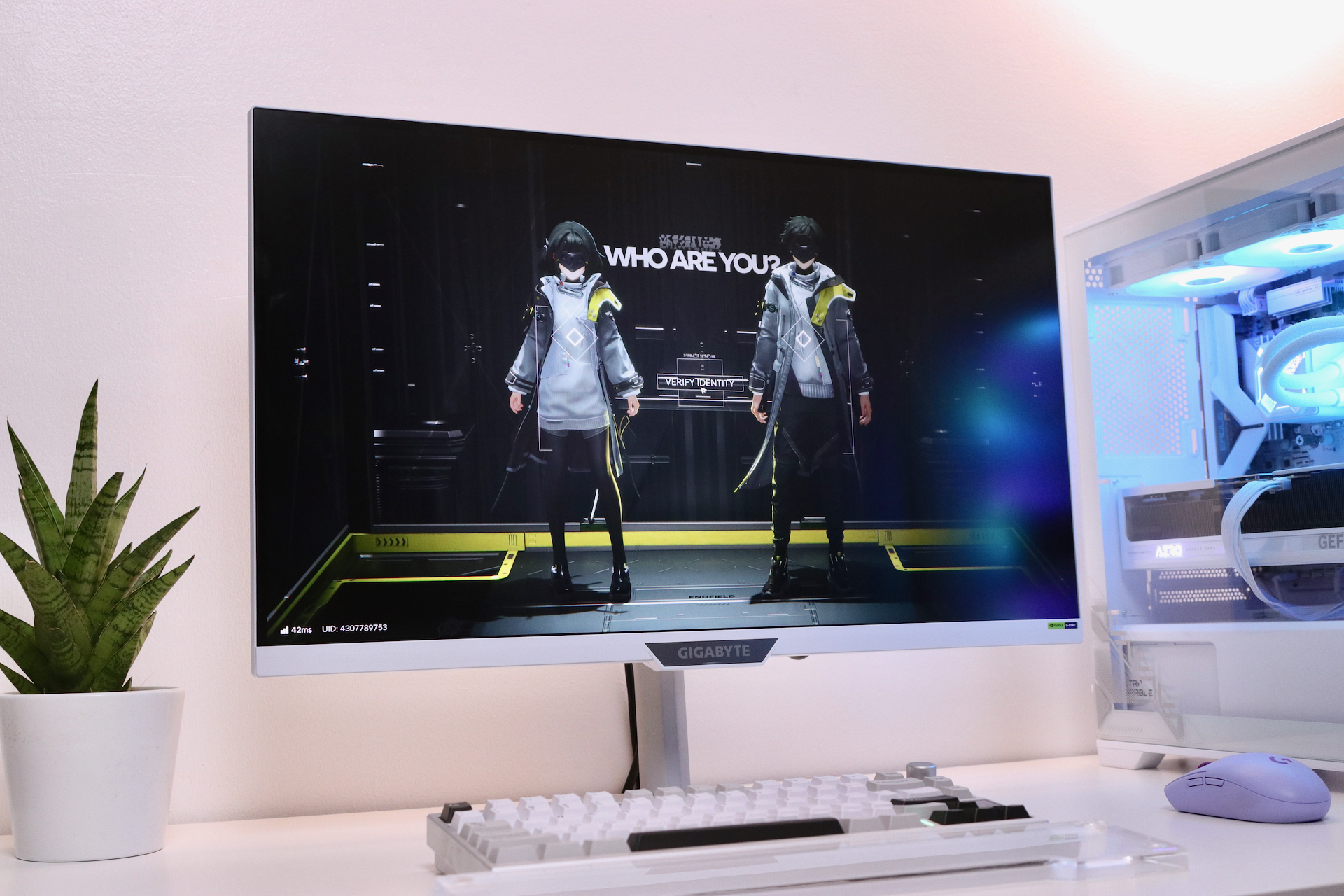
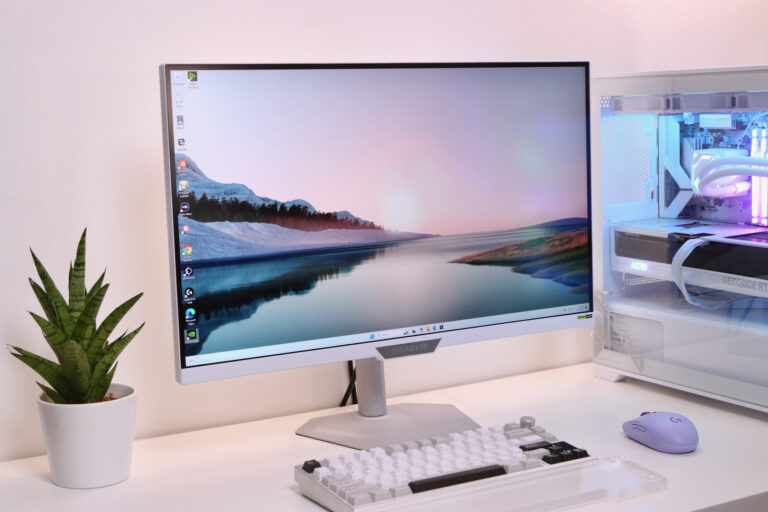
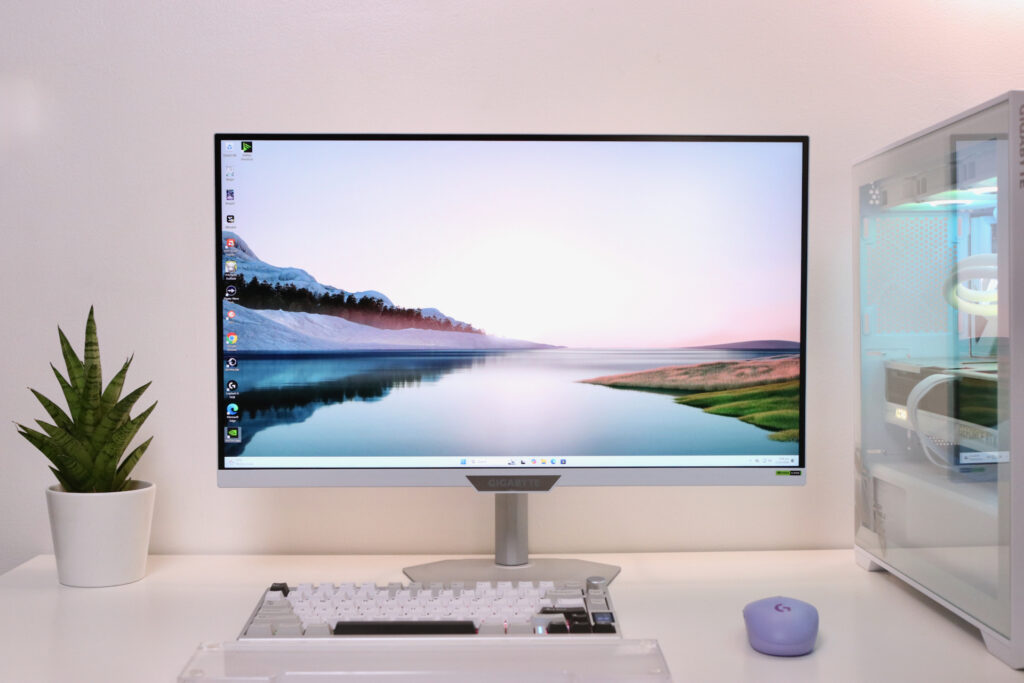
Here’s something that doesn’t come across our desk often: a 27-inch UHD (3840 x 2160) gaming monitor with a 160Hz refresh rate for around PHP 23K. In a market where similar specs command a higher price tag, Gigabyte’s M27UP ICE feels like it accidentally wandered into a room where gaming monitors are actually affordable.
It’s like having two monitors
The M27UP ICE’s headline feature is what Gigabyte calls “Dual Mode,” and it’s genuinely useful. Press the dedicated button on the bottom bezel and the monitor quickly switches from UHD at 160Hz to 1080p at 320Hz.
The benefit to having this feature is for gaming versatility. Let’s say you’re playing something gorgeous like Cyberpunk 2077 and you want that crisp detail, then you can keep it UHD and yet still keep it at a buttery 160Hz. But when it’s time to jump into Valorant or CS2 where competitive advantage matters, you can bump it down to 1080p at 320Hz, so you’re aim feels snappier and everything’s more responsive.
The switch takes less than three seconds. No need to dive into menus or manually configure. Just push the button and start playing. It’s the kind of convenience you don’t realize you need until you have it. Similarly, there’s the Tactical Switch 2.0 that switches resolutions instantly with one click which is great for FPS gamers.
Smart features that work for you
Another feature that enhances the gaming experience is the Smart OD (overdrive) which automatically adjusts how aggressively pixels change color based on your current refresh rate. This prevents ghosting where fast moving objects leave trails, or the where pixels overshoot and create weird inverse shadows. This works in the background and helps make your games look cleaner.

Aim Stabilizer Sync is another clever feature. Most motion blur reduction features force you to turn off variable refresh rate. In this case, Gigabyte figured out how to run both simultaneously. It doesn’t give you godlike aim but it makes tracking enemies in fast FPS games easier.
Night Vision, on the other hand, brightens dark areas without blowing out the bright parts, which is useful if you’ve ever died in a Battle Royale because you couldn’t see someone camping in a shadow. Black Equalizer 2.0 does something similar but more refined, bringing up details in deep blacks specifically.
Pretty good panel
The Gigabyte M27U ICE sports an IPS panel that covers 95% of the DCI-P3 color space, fast 1ms response time, and FreeSync Premium and G-Sync compatible. Colors look vibrant without being oversaturated, and viewing angles are excellent.
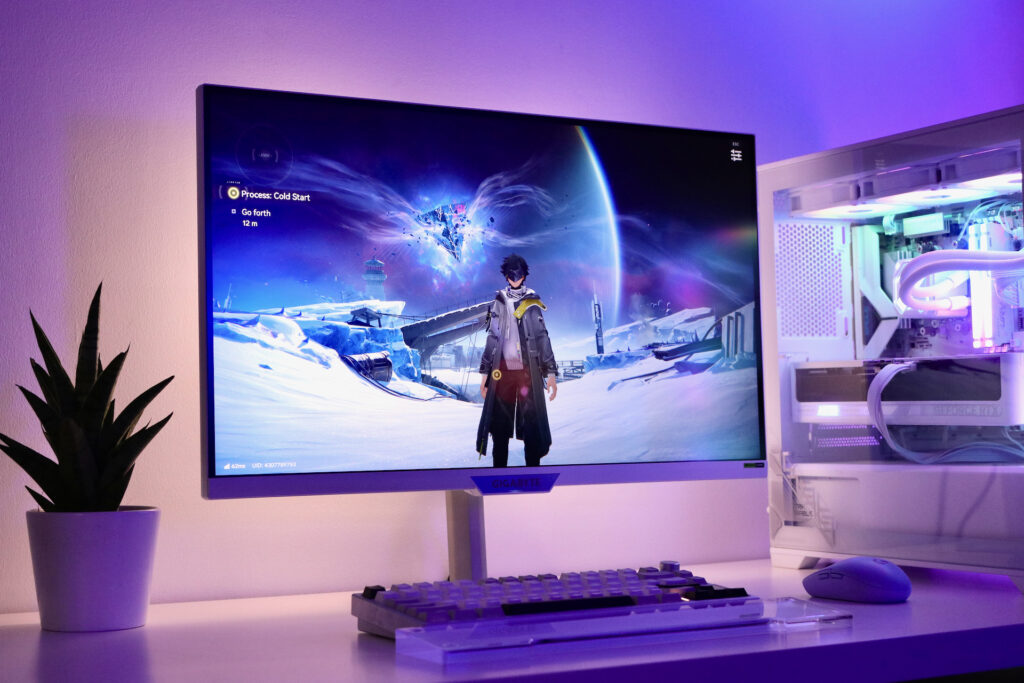
Brightness peaks at 350 nits and 450 nits in HDR mode. It’s fine but can suffer a bit if your room gets bright in during the day. I could be nitpicking as that can be easily remedied by pulling the curtains or blinds. For the price, though, I’m not complaining. For gaming and general use, including basic photo and video editing, it’s more than capable.
More notable features
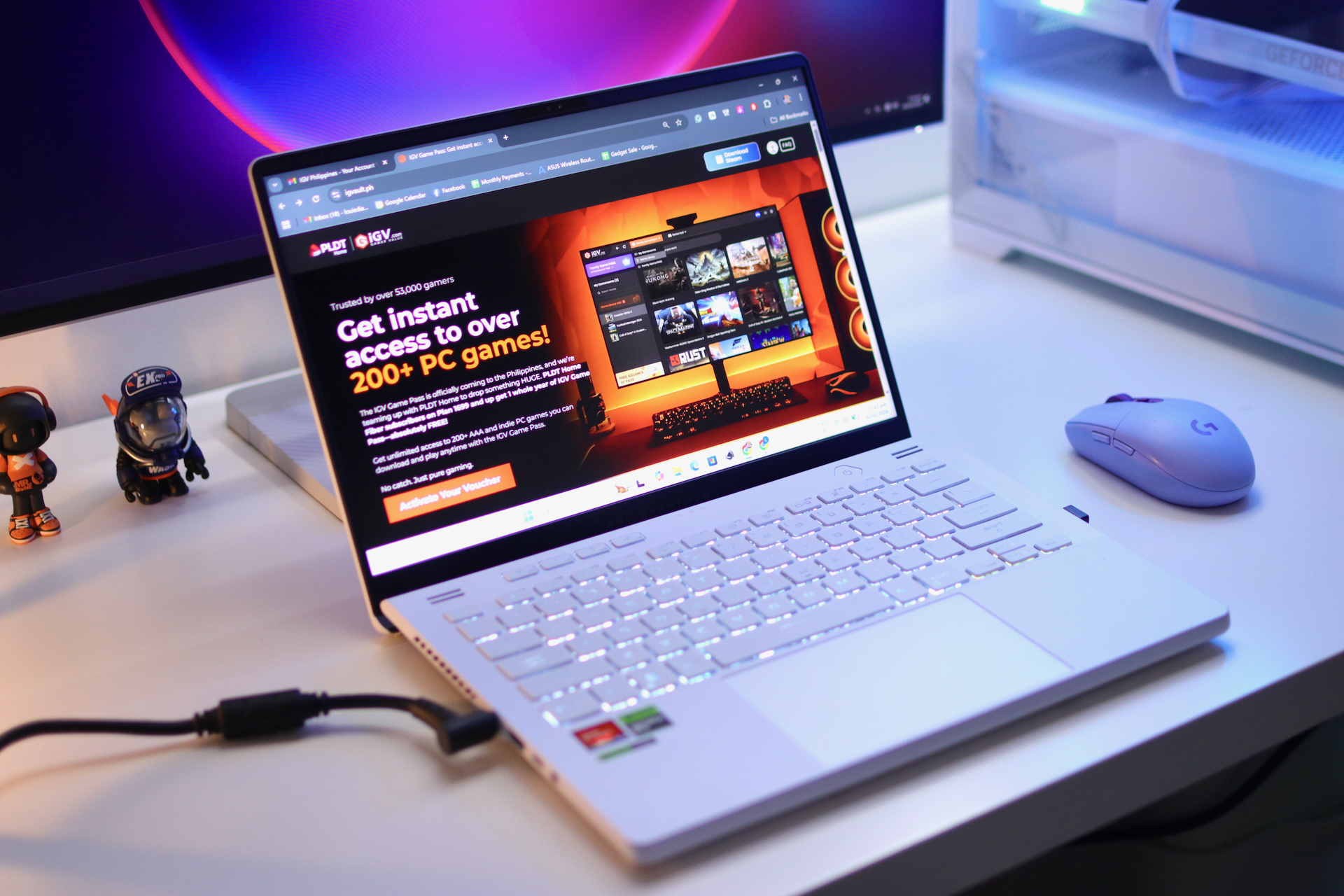
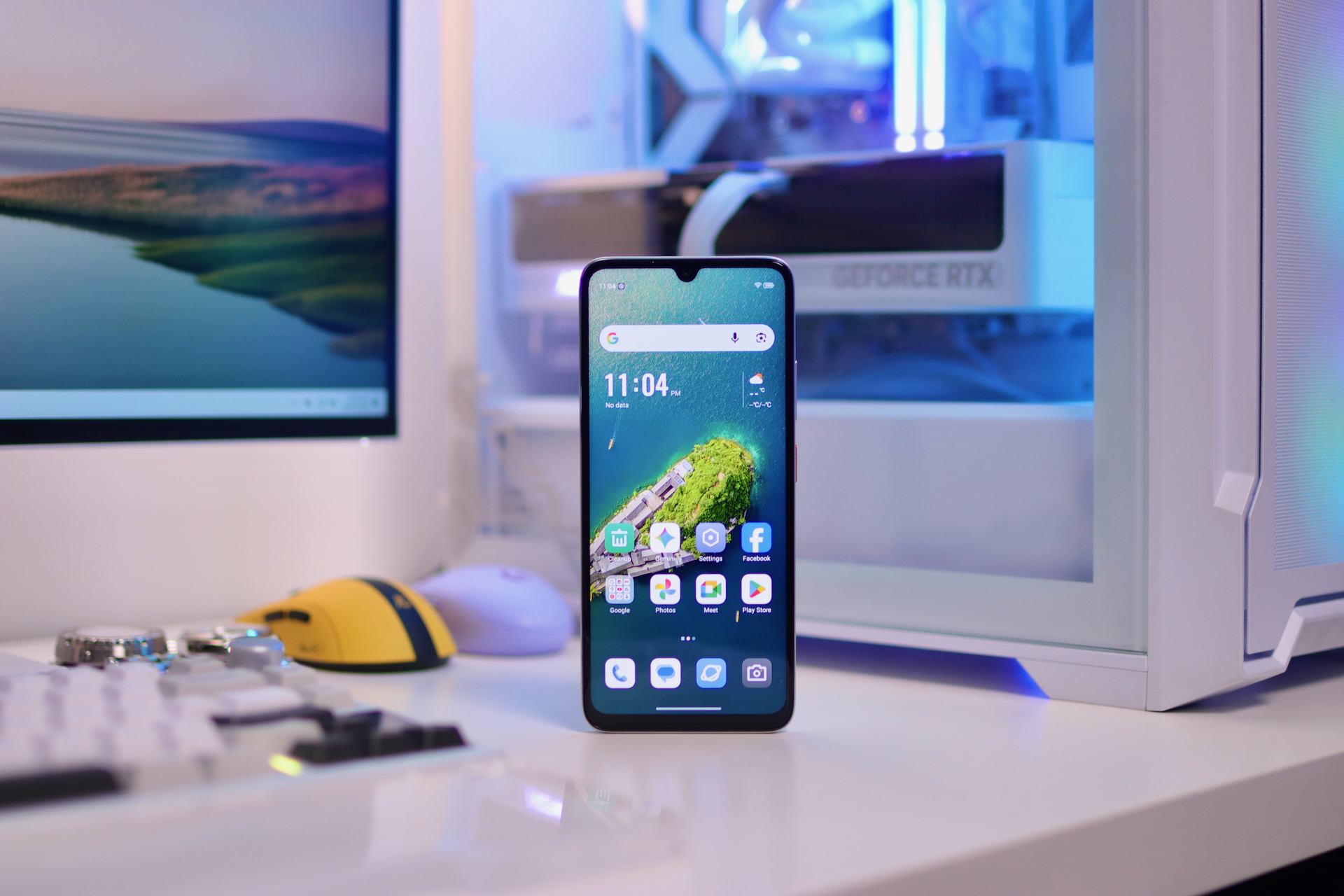
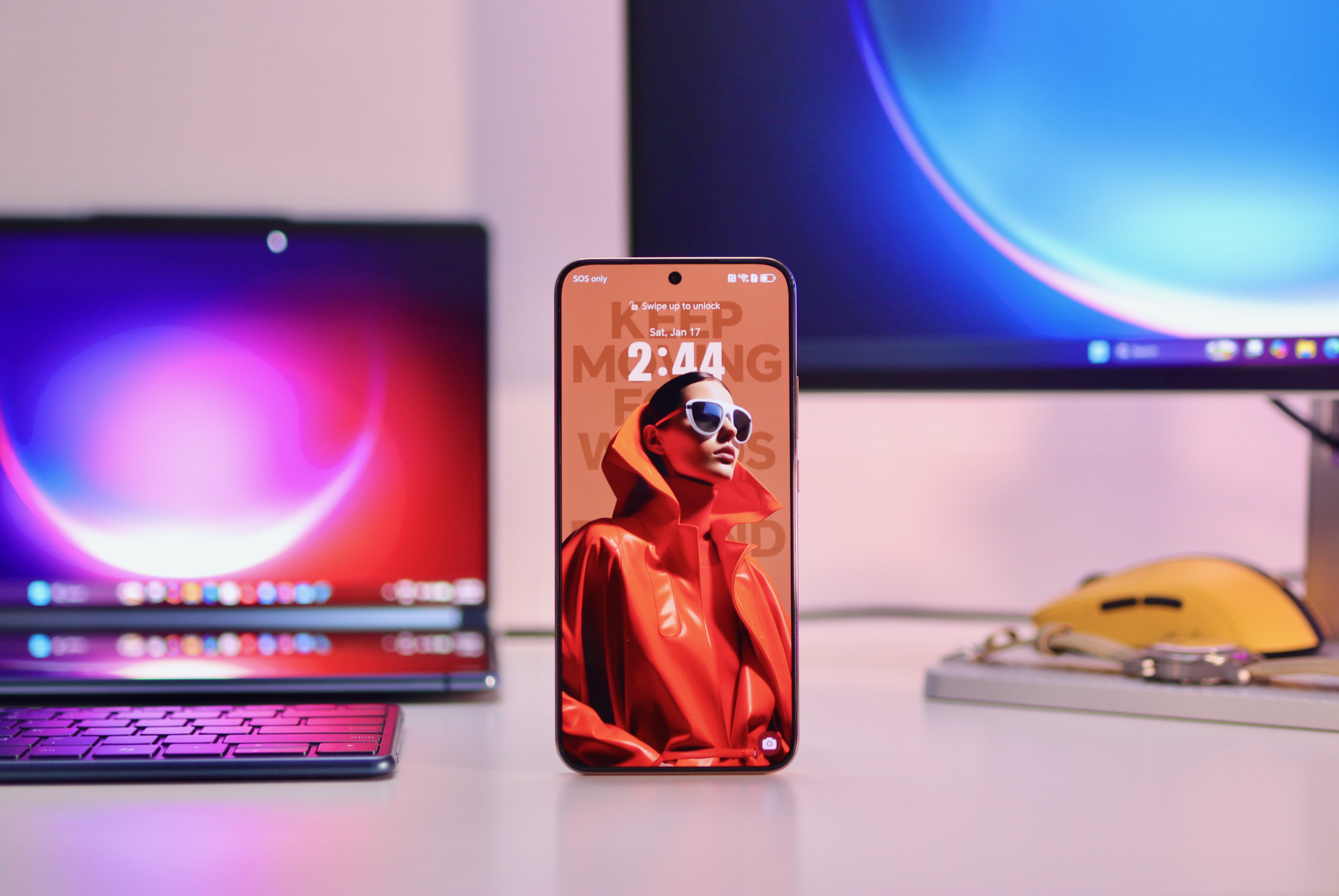
KVM switching is huge if you use multiple computers. There’s a dedicated button that lets you control two PCs with one keyboard and mouse. Press it, and you’re controlling your work laptop instead of your gaming PC, using the same peripherals. No more swapping USB cables behind your desk.
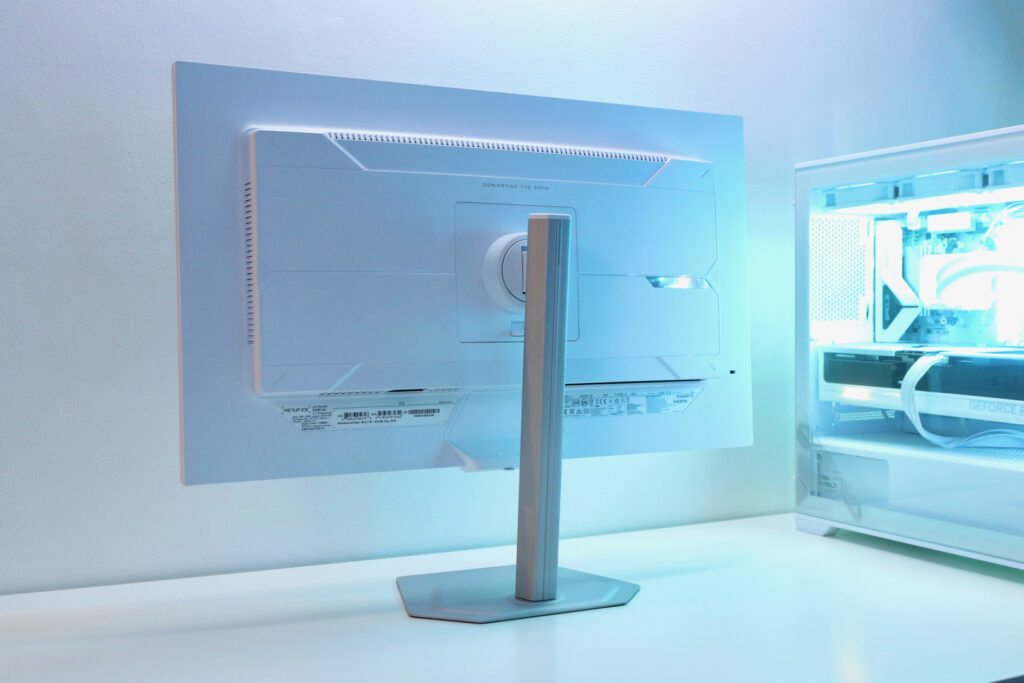
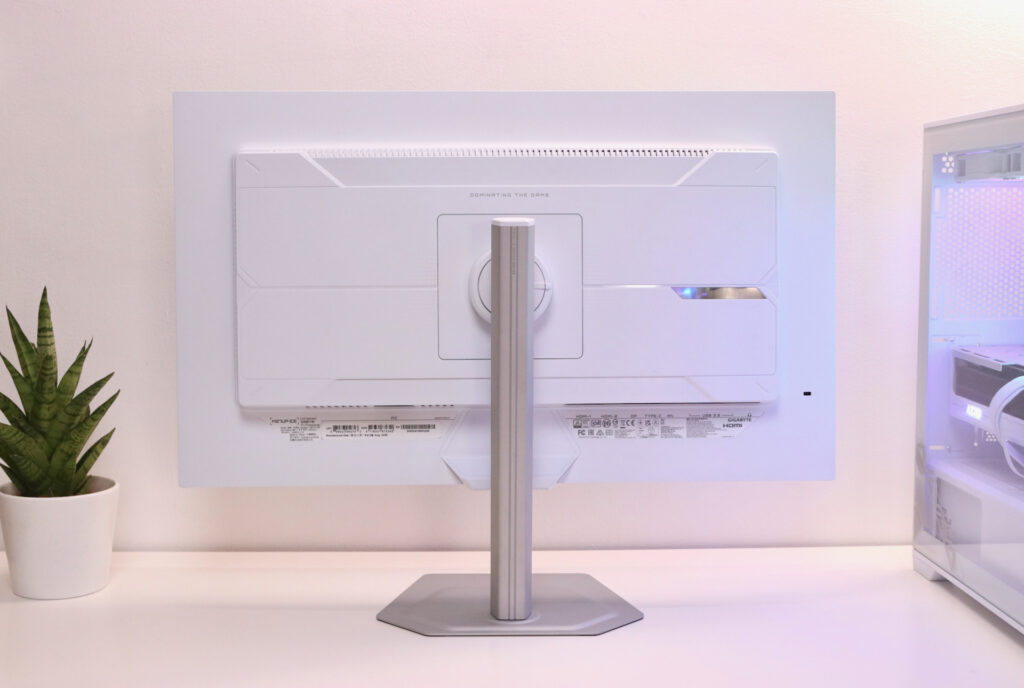
The metal stand with its 2mm base enables more desk space and provides a more minimalist look to the set up. You also get 130mm of height adjustment, tilt, and swivel. From the sides, it’s not a slim monitor, but it still looks good and features four-sided passive ventilation, meaning there’s no fans so it’s quiet and doesn’t sound like a hair dryer during marathon gaming sessions.
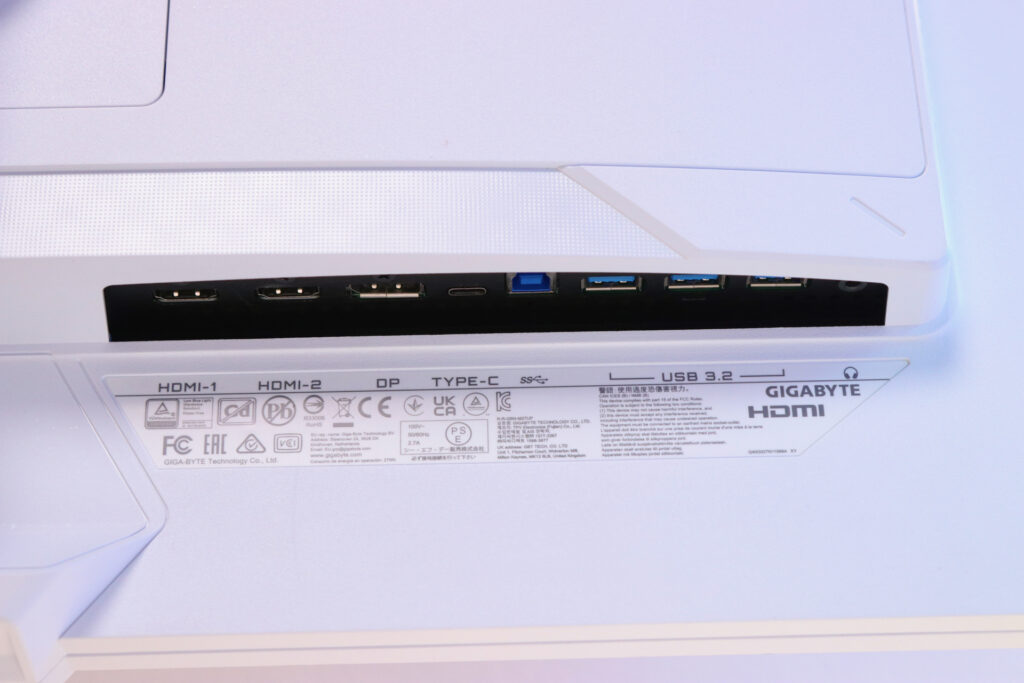
Connectivity is just thorough. We’re talking about two HDMI 2.1 ports (full bandwidth), a DisplayPort 1.4 (DSC), three USB 3.2 Gen1 ports, a USB-C port with Power Delivery up to 18W, and and earphone jack.
Is this for you?
If you’ve been wanting to upgrade to UHD gaming but thought the entry price was too steep, this is your chance. At PHP 23,190, the Gigabyte M27UP ICE undercuts the competition significantly while delivering gaming features you’d normally see on more expensive monitors.
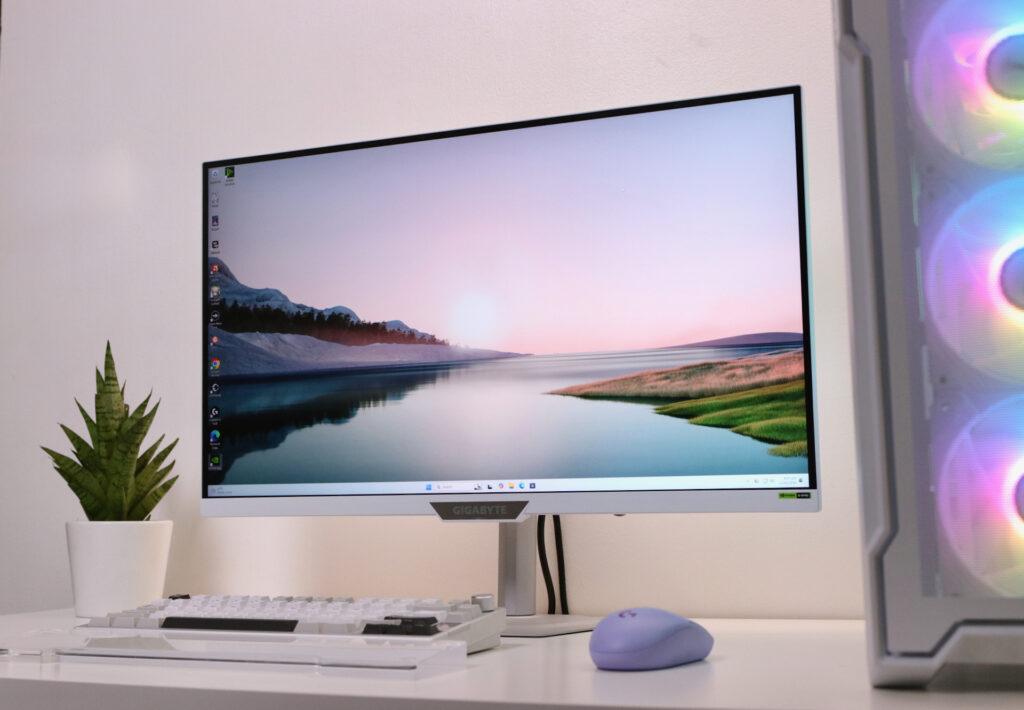
It’s not a perfect monitor as the brightness could be better and the speakers more immersive, but those are minor rants. The dual-mode functionality alone sets this apart from similarly priced alternatives. Throw in the KVM switch, the tactical gaming features that actually work, and the silent operation, and you’ve got a compelling package.
It isn’t trying to be the ultimate flagship monitor, but rather it’s trying to give you premium features at a non-premium price, and it delivers. If you’re looking for your first serious gaming monitor, or if you want a versatile display that handles both productivity and play without destroying your budget, this is worth serious consideration.
Click here to learn more about the Gigabyte M27UP ICE.