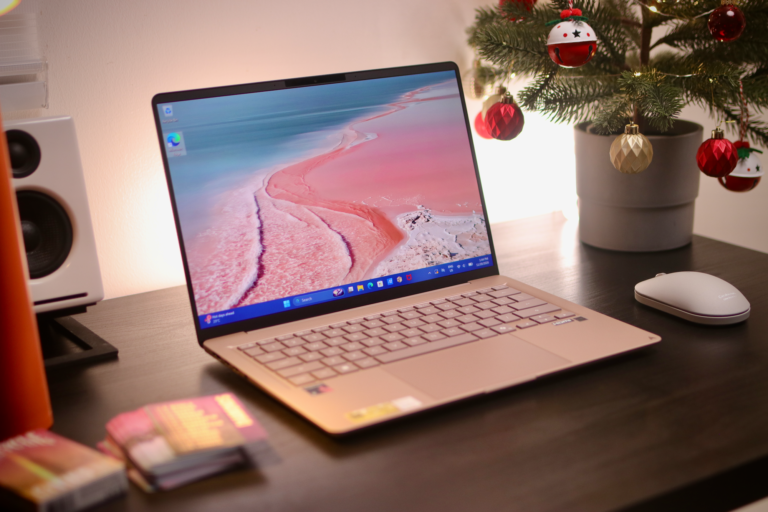
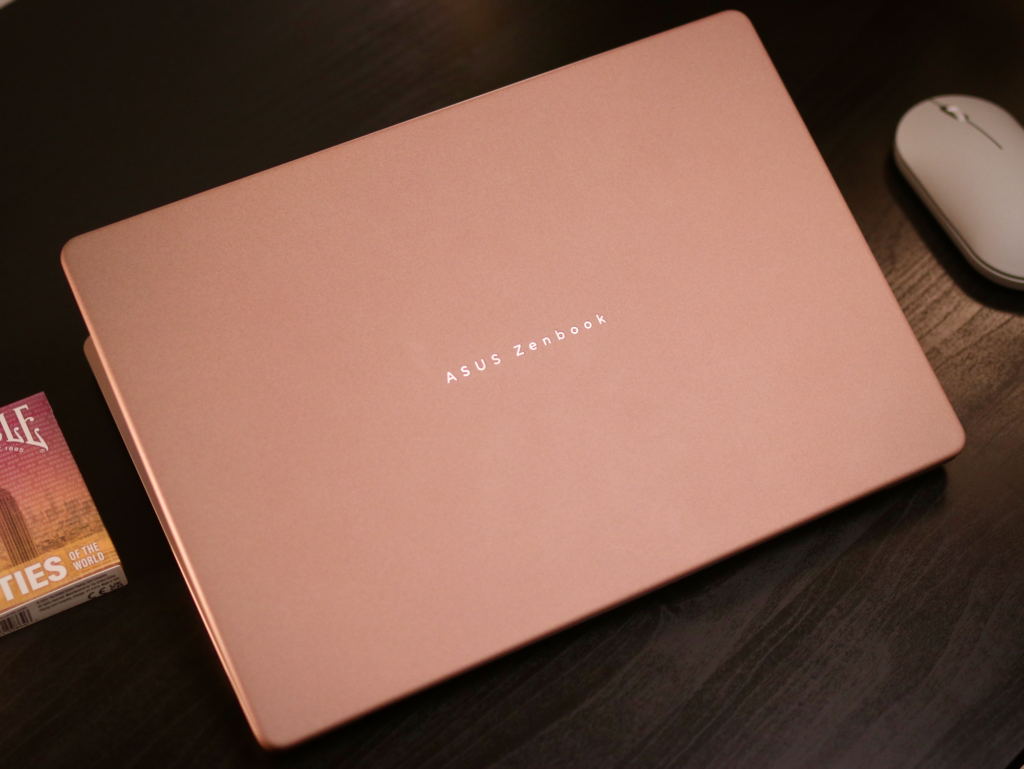
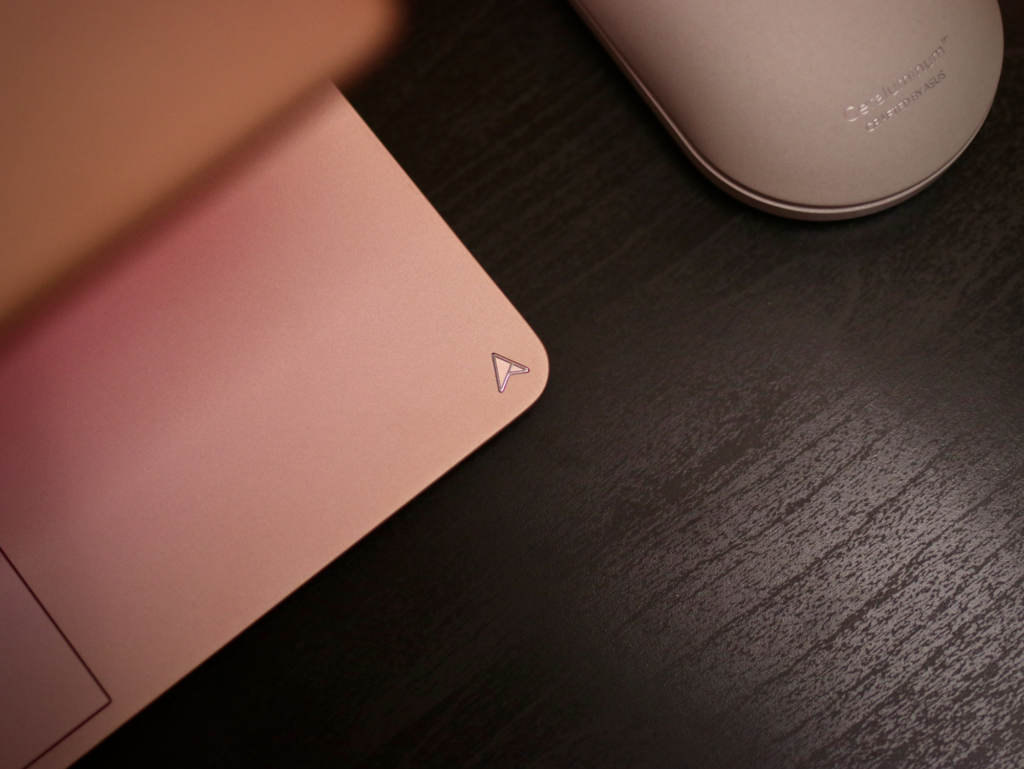
If you are hunting for an ultralight laptop to throw into your backpack without worrying about weight or battery anxiety, the ASUS Zenbook 14 (UX3480, Qualcomm Snapdragon X ) quickly grabs your attention. Weighing just 1.1 kg with an all-metal chassis topped by a ceramic-feeling Ceraluminum lid, it feels remarkably lightweight yet solid against daily scratches and smudges when you are working on the move.
When you open the lid, you are greeted by a 14-inch WUXGA (1920×1200) OLED display with a tall 16:10 aspect ratio and 100% DCI-P3 color coverage. Whether you are streaming videos late at night or editing graphics in a bright coffee shop, colors look vivid and blacks are deep. That extra vertical screen real estate gives you more room to scroll through documents and web pages, while TÜV Rheinland eye care certification helps reduce eye fatigue during long sessions.
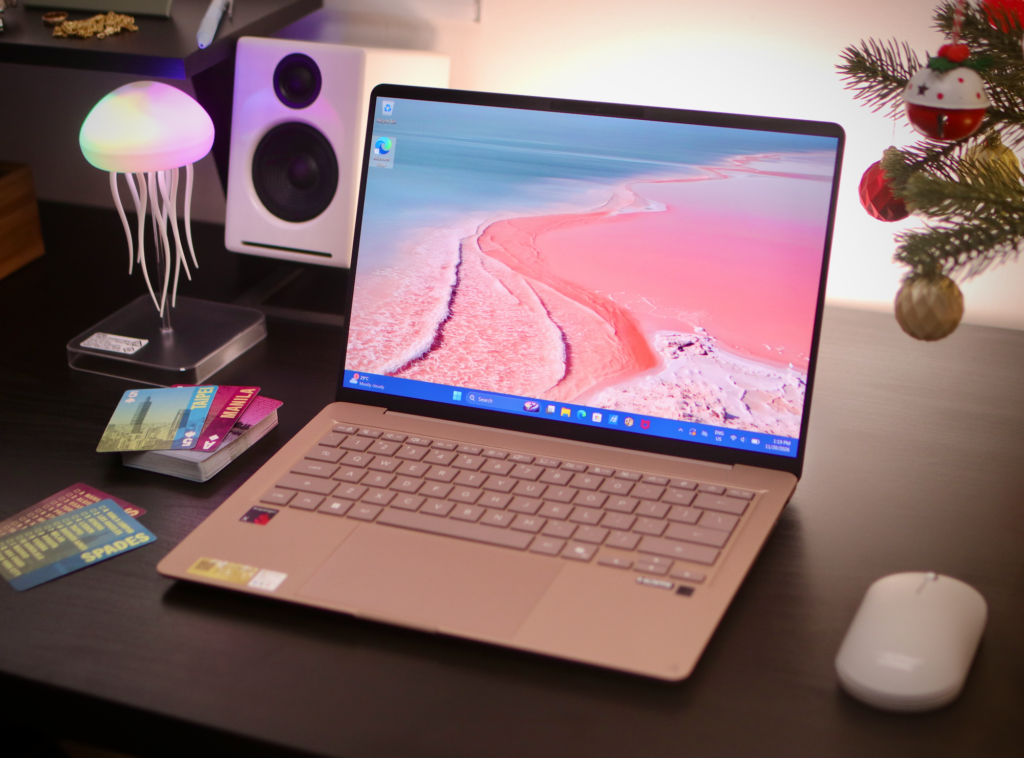
Under the hood, the machine runs on an 8-core Qualcomm Snapdragon X processor paired with 16GB of LPDDR5X RAM and a 512GB PCIe 4.0 SSD For your daily routine like juggling dozens of browser tabs, streaming content, drafting slides, or organizing notes, this machine stays quiet and responsive. Its built-in Qualcomm Hexagon NPU delivers up to 45 TOPS of AI performance, powering Copilot+ PC capabilities like Live Captions, Windows Studio Effects, and Cocreator.
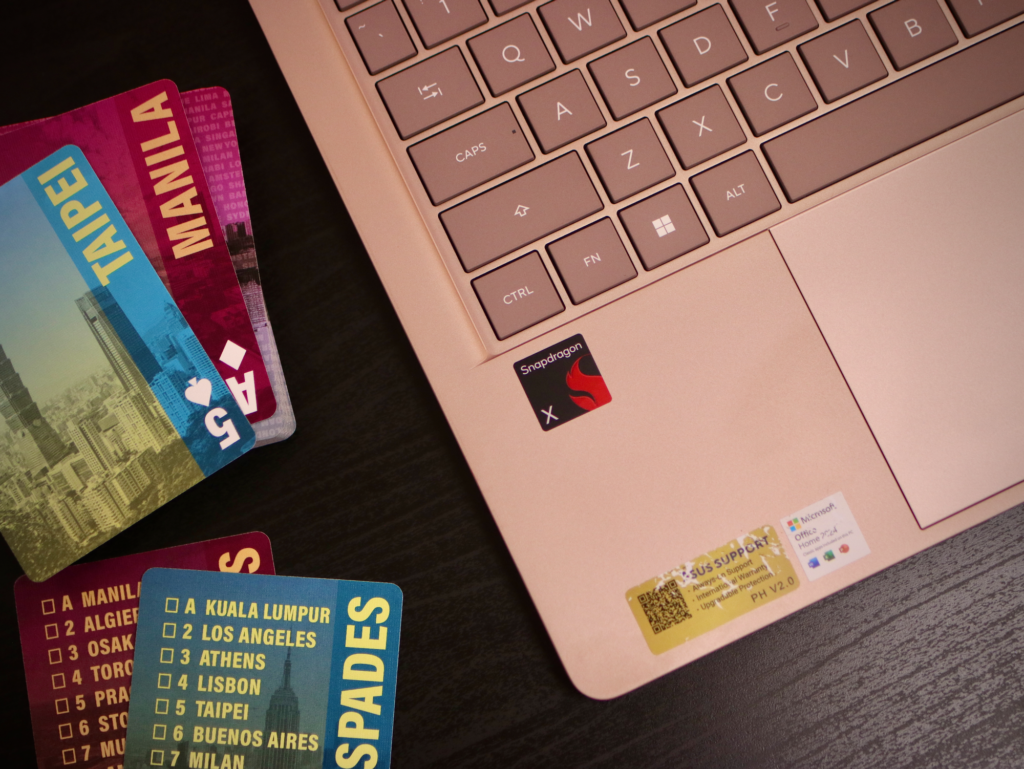
Where this Zenbook truly shines in practical scenarios is in battery endurance. The 50Wh battery can stretch up to 18 hours of active web browsing or over 30 hours of offline video playback. You can leave your house for a full workday without packing a power brick, and if you do run low, the included 68W USB-C adapter charges it back up to 50% in just 30 minutes.
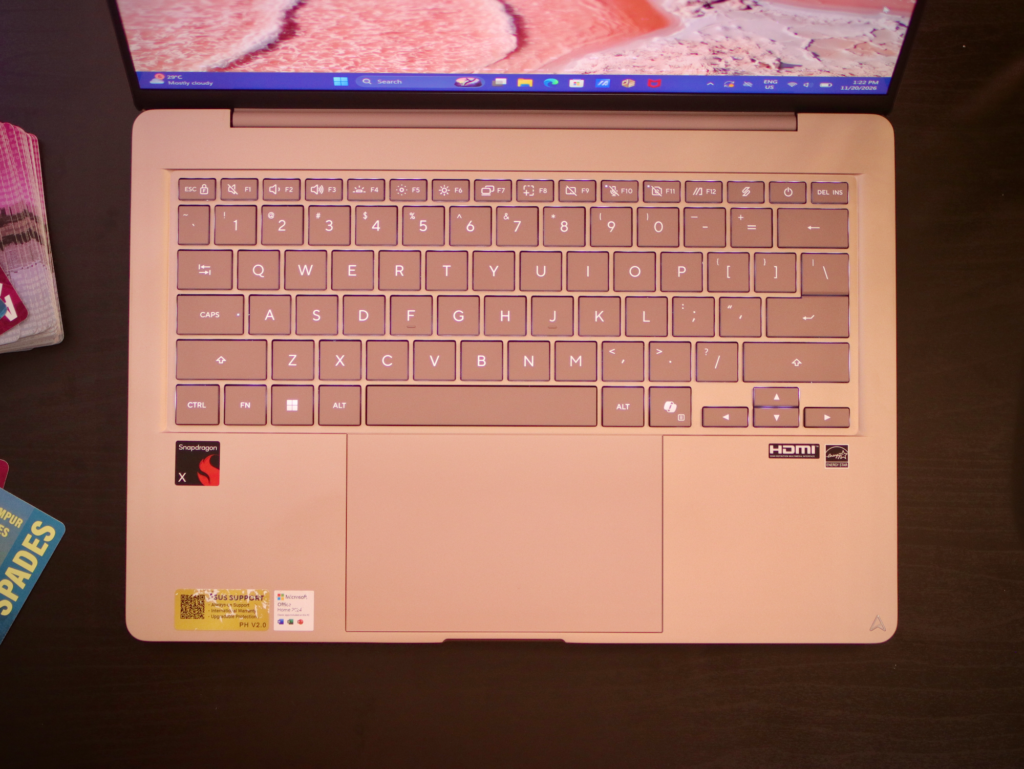
Typing and navigation also feel natural. You get a full-size backlit keyboard with 1.7mm key travel and Excimer-coated keycaps that resist long-term wear. The enlarged touchpad operates quietly with gentle 0.23mm click feedback and supports multitouch smart gestures. For virtual meetings, the FHD IR camera uses Windows Hello for fast facial logins while background blur and 3D noise reduction keep your video looking clean.
However, no laptop is completely without trade-offs, and it is worth being honest about what this machine is not. The OLED screen is non-touch and capped at a standard 60Hz refresh rate, which might feel plain if you are accustomed to high-refresh gaming displays or touch navigation. Additionally, while Windows 11 on ARM handles native apps and emulation smoothly for everyday workloads, legacy software or specialized drivers requiring older x86 Windows setups can run into compatibility hurdles. But I’m yet to encounter that in my daily tasks since most of my tools are browser-based — things that the Zenbook 14 can easily handle.

Connectivity covers the essentials with two USB-C ports, an HDMI 2.1 port, and a headphone jack, but there is only a single USB-A port. If you regularly plug in multiple legacy USB flash drives or wired accessories at once, you will definitely need to carry a dongle. Upgraders should also keep in mind that the motherboard slot only supports single-sided M.2 SSDs when expanding storage.
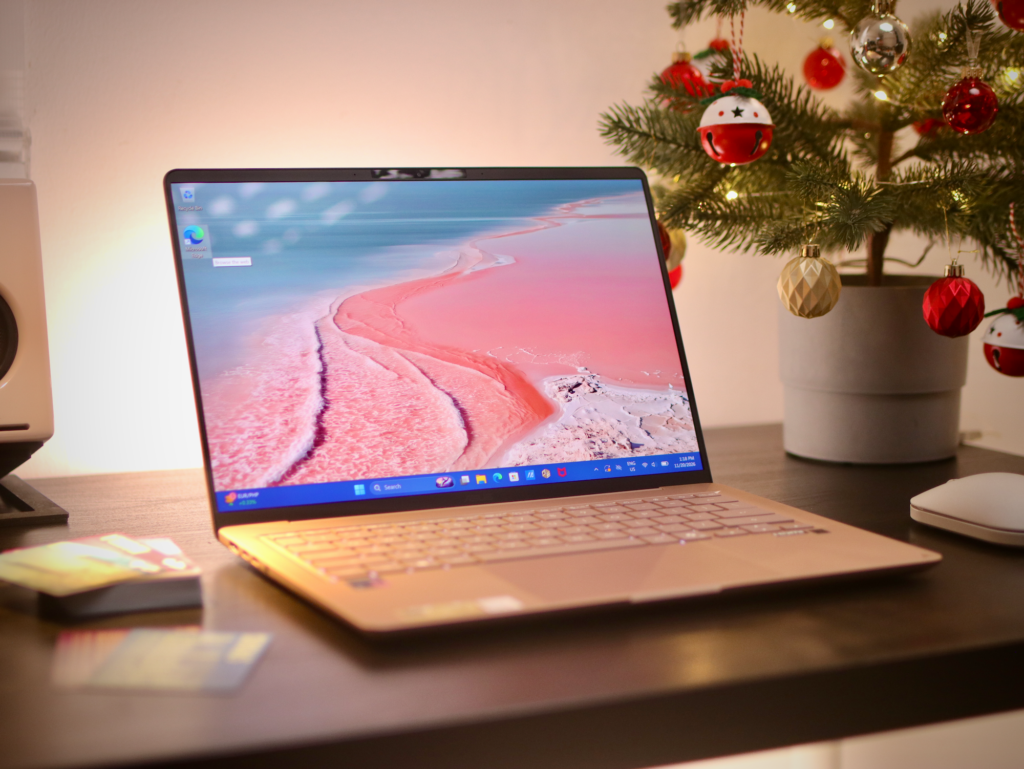
Starting at PHP 76,995, this Zenbook positions itself in the premium mid-range tier for ultraportables. Considering you get a premium Ceraluminum finish, a color-accurate OLED display, multi-day battery endurance, and strong Copilot+ AI capabilities, it offers genuinely strong value if your priority is effortless mobility and reliable everyday performance. As long as you are comfortable with a 60Hz non-touch screen and carrying a dongle for extra USB-A gear, that price tag feels well-justified for a lightweight workhorse built for life on the go.
The ASUS Zenbook 14 (UX3480, Snapdragon X) comes in Komodo Coral and Zabriskie Beige. It ships with Microsoft Office Home 2024 + Microsoft 365 Basic, a 3-year Warranty, and 1 Year Local Accidental Damage Protection + Local On-site Support.