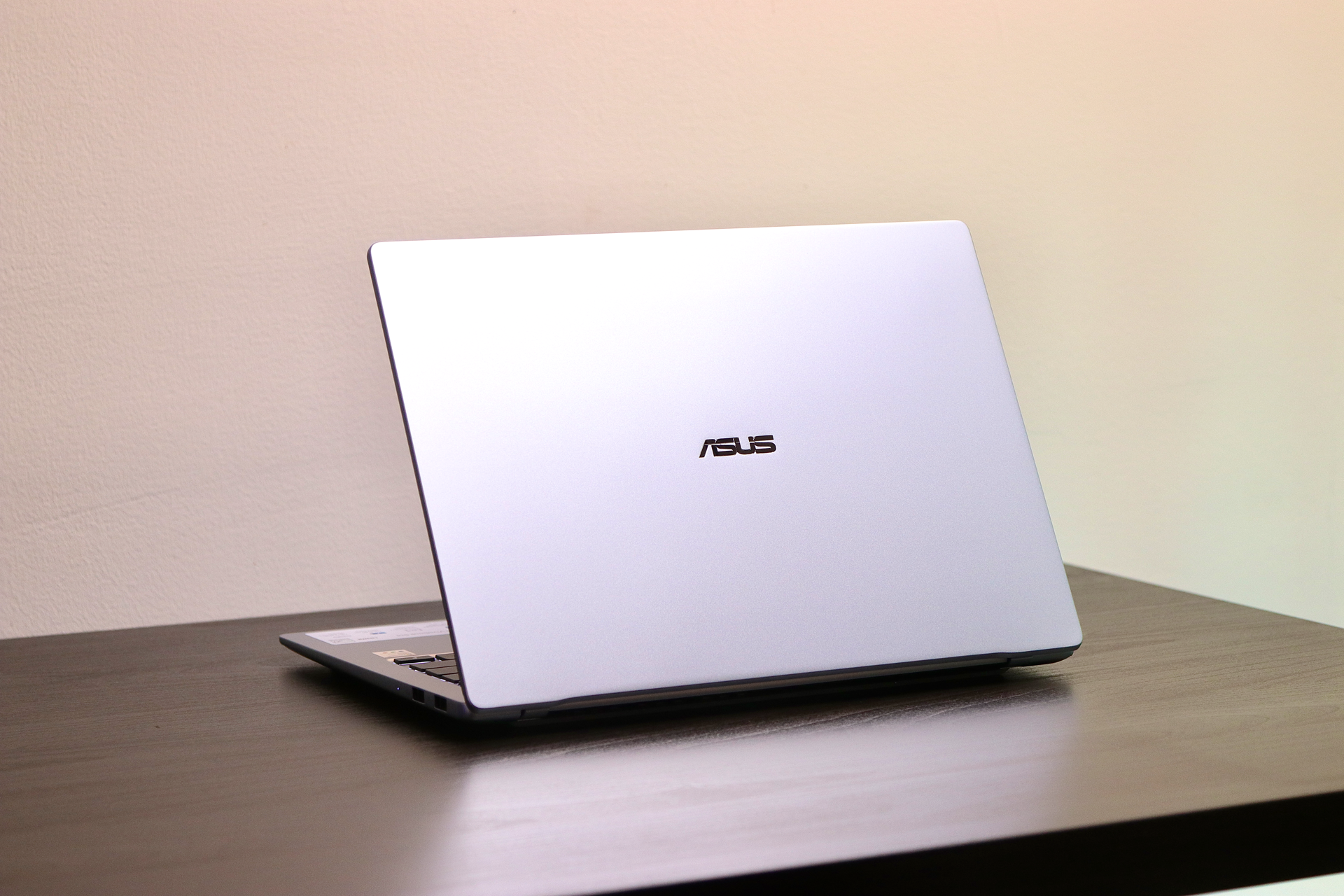
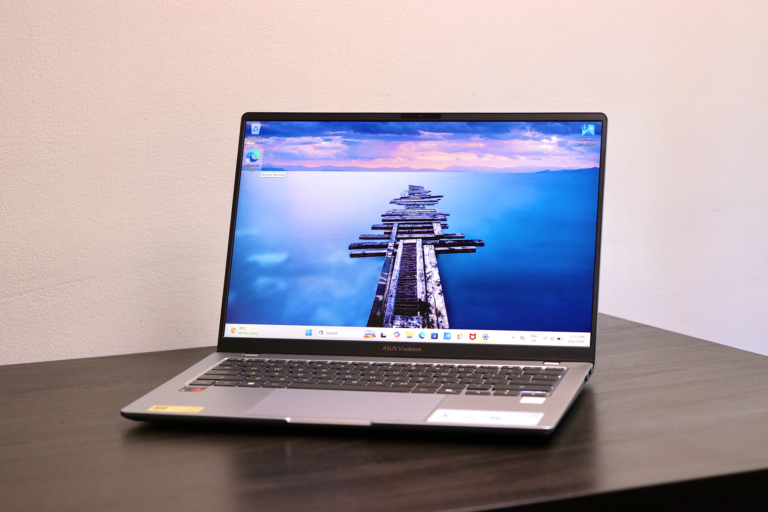
If you need a laptop that won’t weigh down your backpack when running between classes or coffee shops, the ASUS Vivobook S14 (S5408QA) immediately makes a great first impression. At just 1.28 kg and under 1.7cm thin, its sleek metal body feels light and modern yet sturdy, packing US MIL-STD 810H military-grade durability to survive daily bumps. But what else does it have to offer?

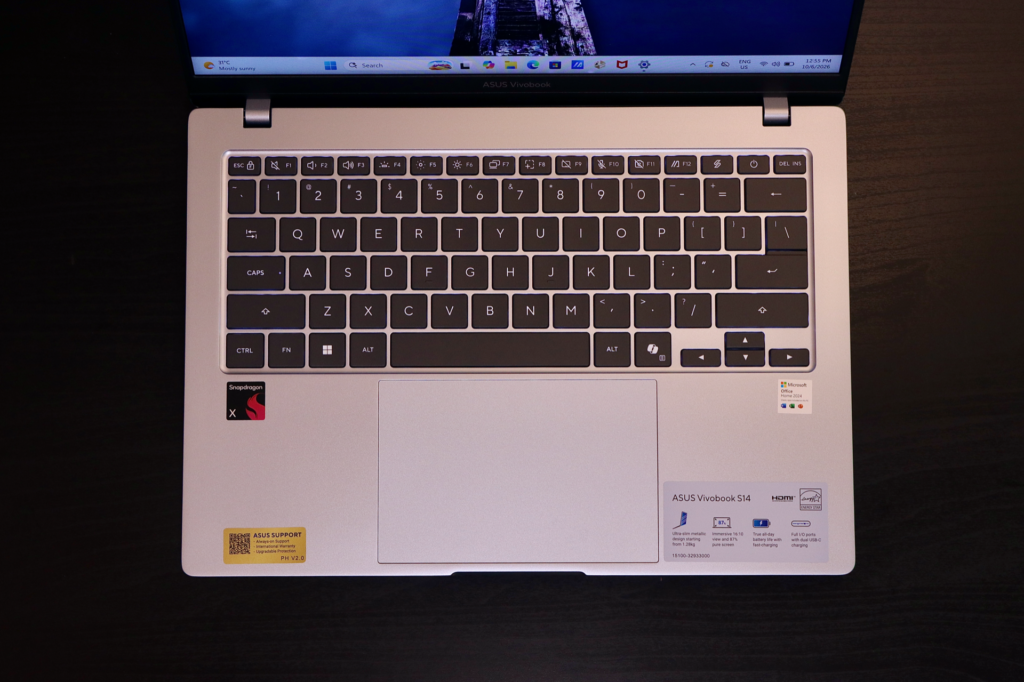
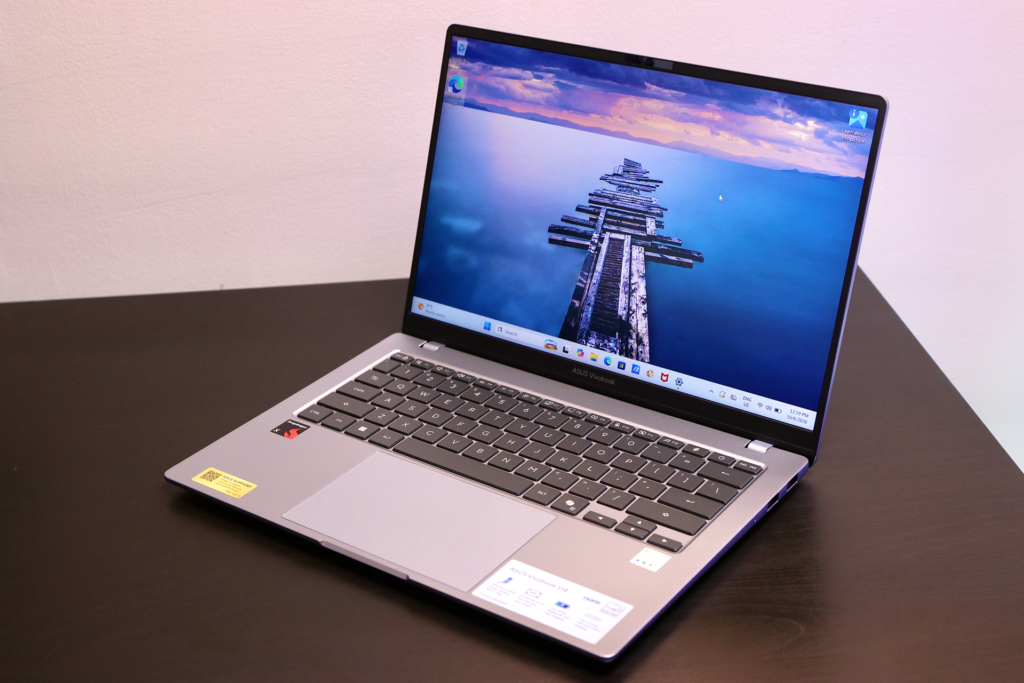
Opening it up, you get a full-size ErgoSense backlit keyboard with a 19.05mm key pitch (which is the same as a desktop keyboard), 1.7mm long key travel, and slightly dished keycaps that make long typing sessions or drafting essays feel tactile, spacious and comfortable. Below it sits an enlarged, quiet touchpad with a hydrophobic anti-fingerprint coating and multi-touch gesture controls, making it effortless to swipe between open apps or desktop views. Trackpad clicks are not clicky but quiet and firm.
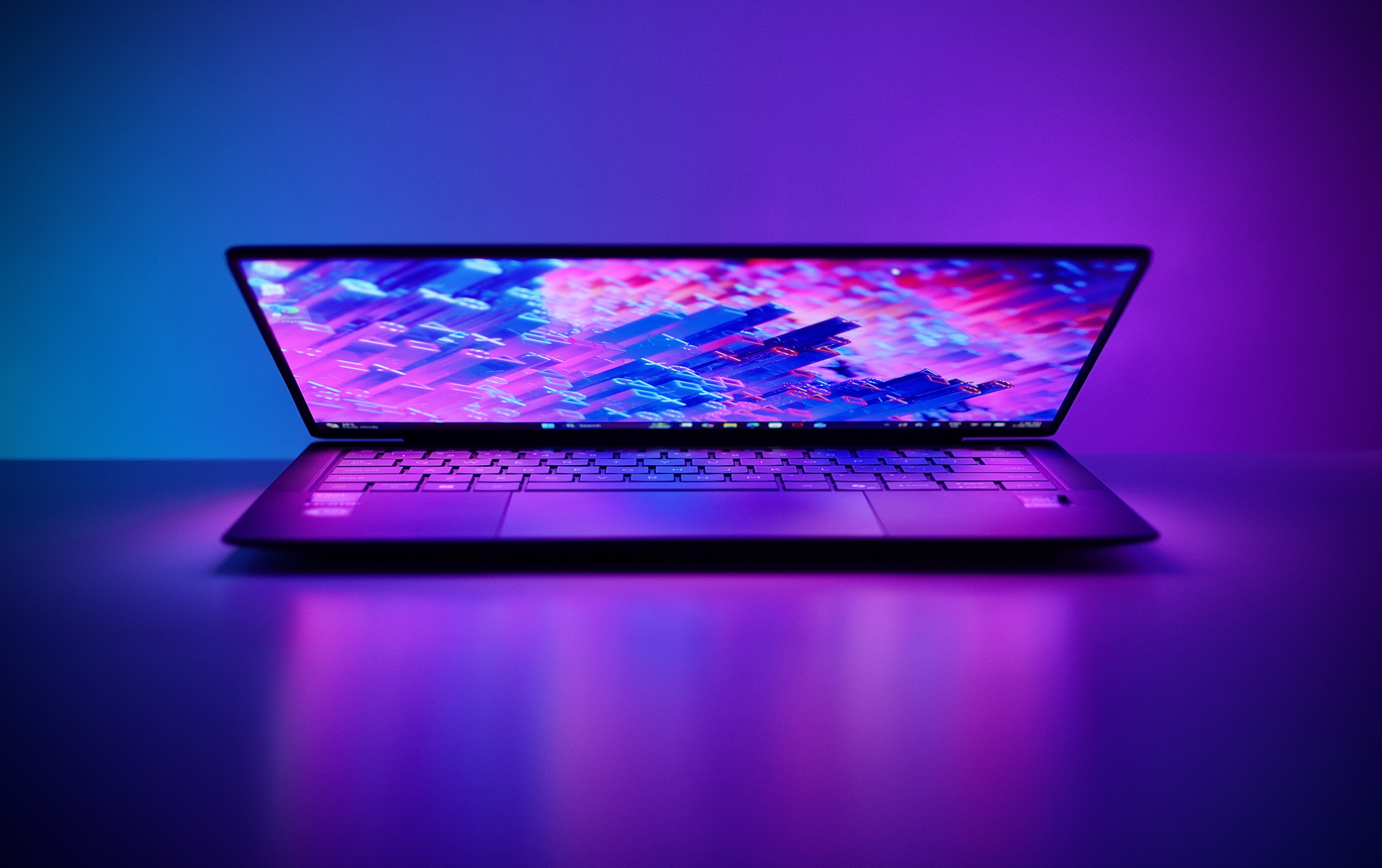
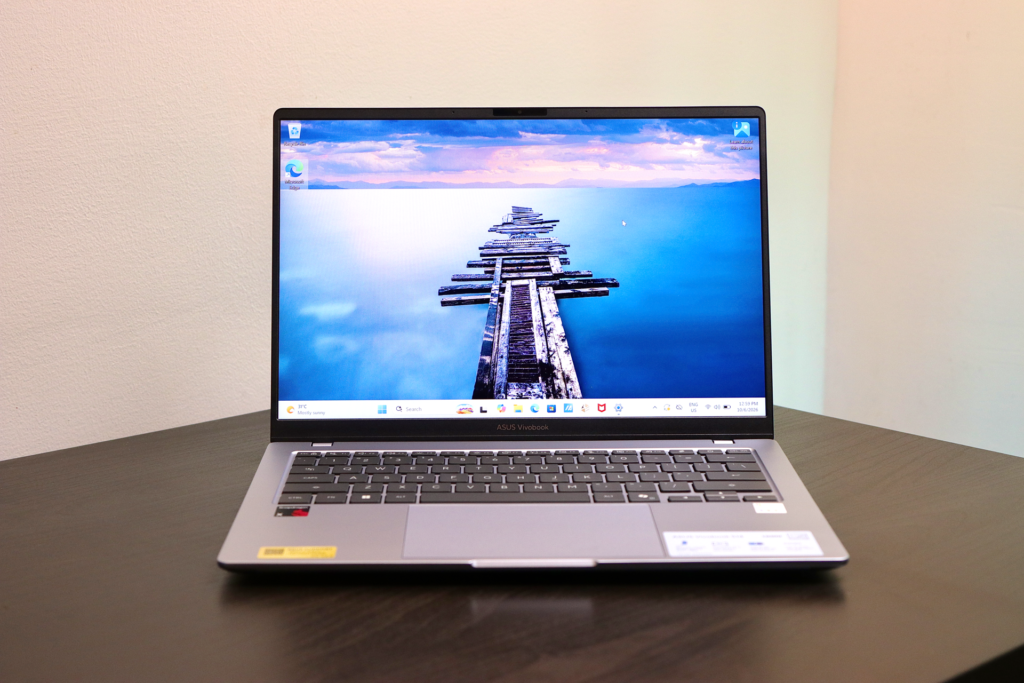
The 14-inch display features a 16:10 aspect ratio and an 87% screen-to-body ratio, thanks to the slim bezels. It feels large and immersive, and gives you extra vertical screen real estate when juggling research articles, notes, and spreadsheets side by side. However, you should keep your expectations grounded regarding its visual specs. This specific IPS-level panel operates at a 60Hz refresh rate, offers 300 nits of brightness, and covers 45% of the NTSC color gamut. Viewing angles are decent but not consistent in all angles. It works well for standard daily tasks and streaming, but photo editors or color-critical creators will want a more vibrant display.
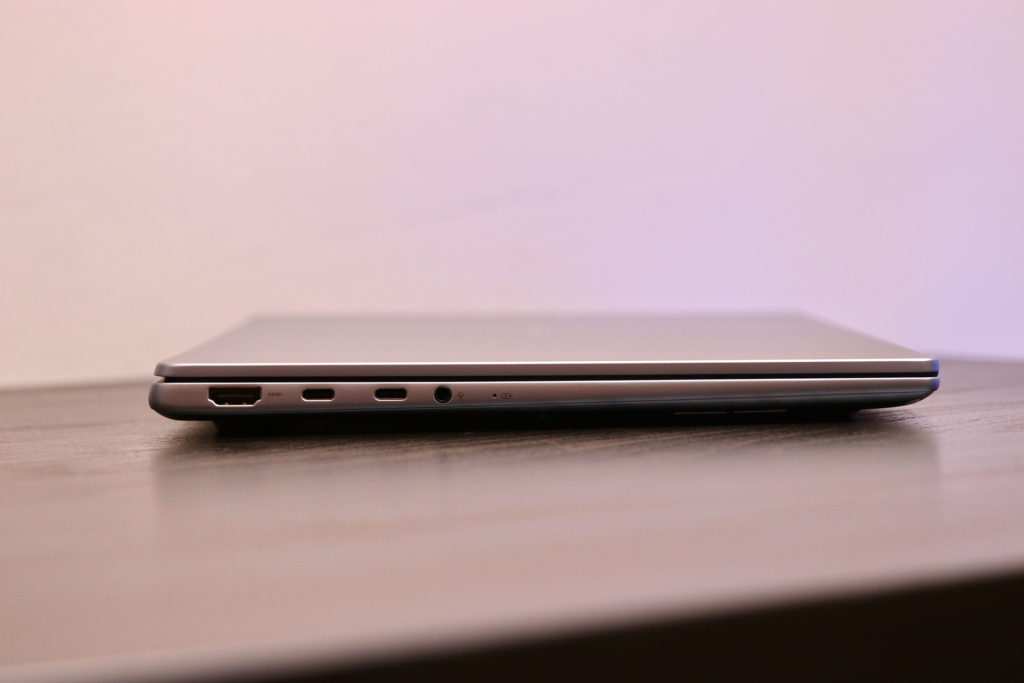
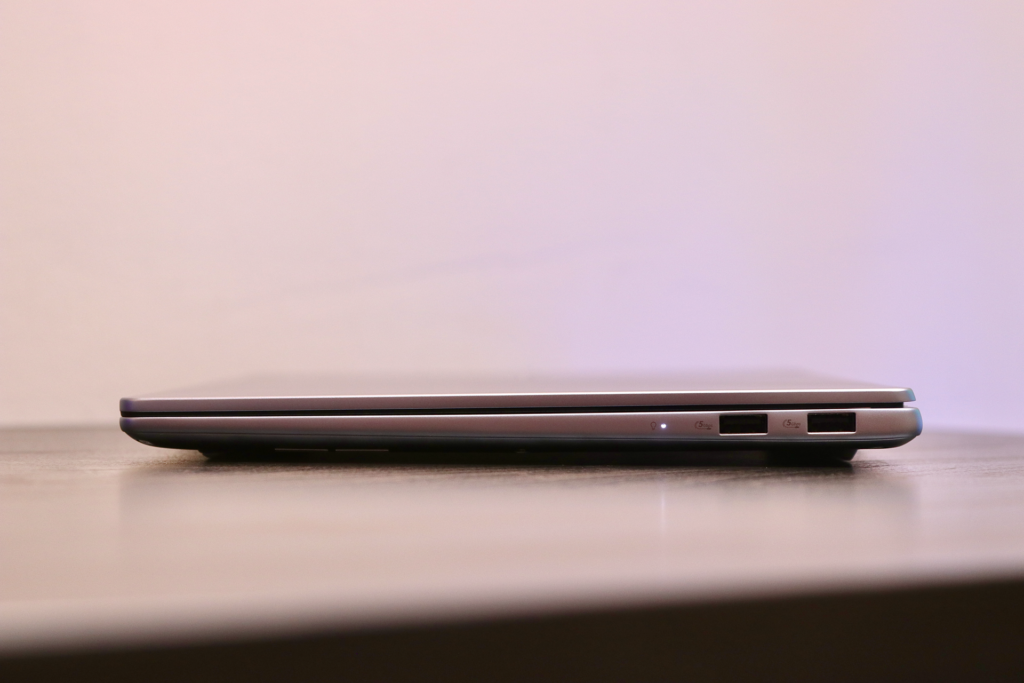
Unlike many ultraportables that force you to carry a pouch of adapters, ASUS includes a practical selection of ports. You get two USB 3.2 Gen 2 Type-C ports supporting power delivery and display output, two USB 3.2 Gen 1 Type-A ports for thumb drives or peripherals, an HDMI 2.1 port, and a 3.5mm combo audio jack. That makes plugging into external monitors or classroom projectors completely painless.
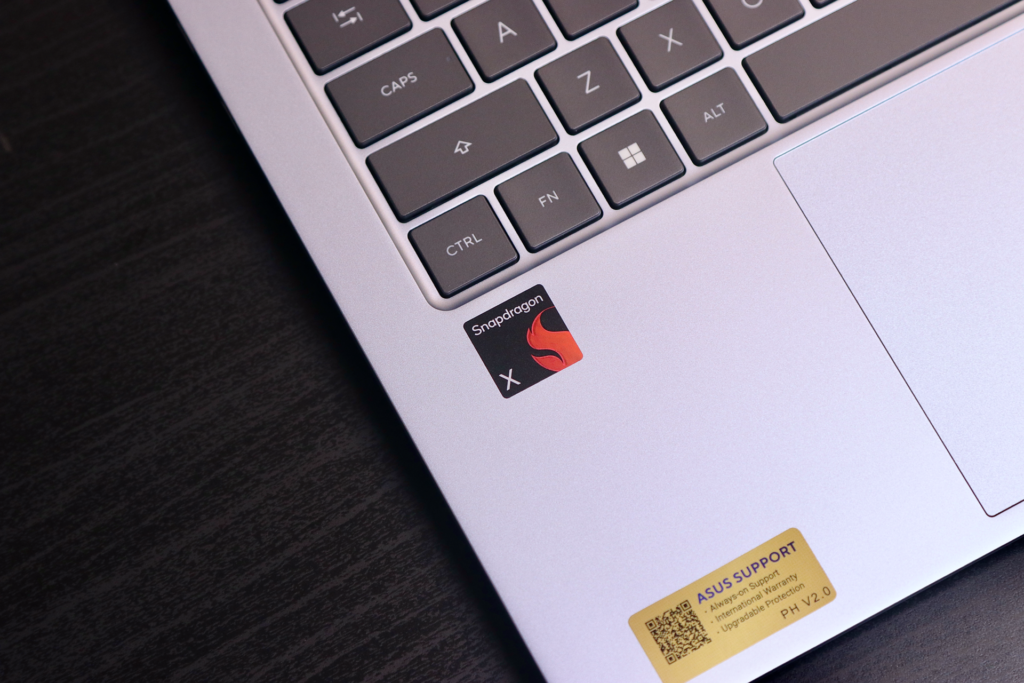
Under the hood, it is powered by Qualcomm’s 8-core Snapdragon X processor alongside a Qualcomm Hexagon NPU delivering up to 45 TOPS for Copilot+ AI tasks. In practice, you can jump between browser tabs, notes, and creative tools like Canva or CapCut smoothly without lagging. You also get dedicated AI tools accessible via a Copilot key, including real-time Live Captions, Cocreator in Paint, and Windows Studio Effects that handle background blur, eye-contact correction, and noise reduction during video calls. Do remember that it is not for gaming but rather designed for AI-assisted productivity and long battery life.
Speaking of battery life, battery efficiency is easily one of its standout strengths. Its 50Wh battery leverages the energy-efficient processor to deliver up to 30 hours of local video playback or up to 18 hours of web browsing, so you can leave the power brick at home for a full day of lectures or remote work. When you do need to recharge, the compact 68W Type-C adapter fast-charges the system to 60% in about 49 minutes.
Before picking one up, there are a few hardware limitations to keep in mind. The LPDDR5X memory comes soldered directly on board at 8GB or 16GB LPDDR5X, meaning you cannot upgrade your RAM down the road. Storage expansion is also constrained because the M.2 slot only supports single-sided PCIe 4.0 SSDs. You’ll get an option between 256GB M.2 NVMe PCIe or 512GB 512GB M.2 NVMe PCIe. On the software side, while most popular Windows apps run natively or under emulation, system drivers strictly require Windows 11 version 24H2 or later.
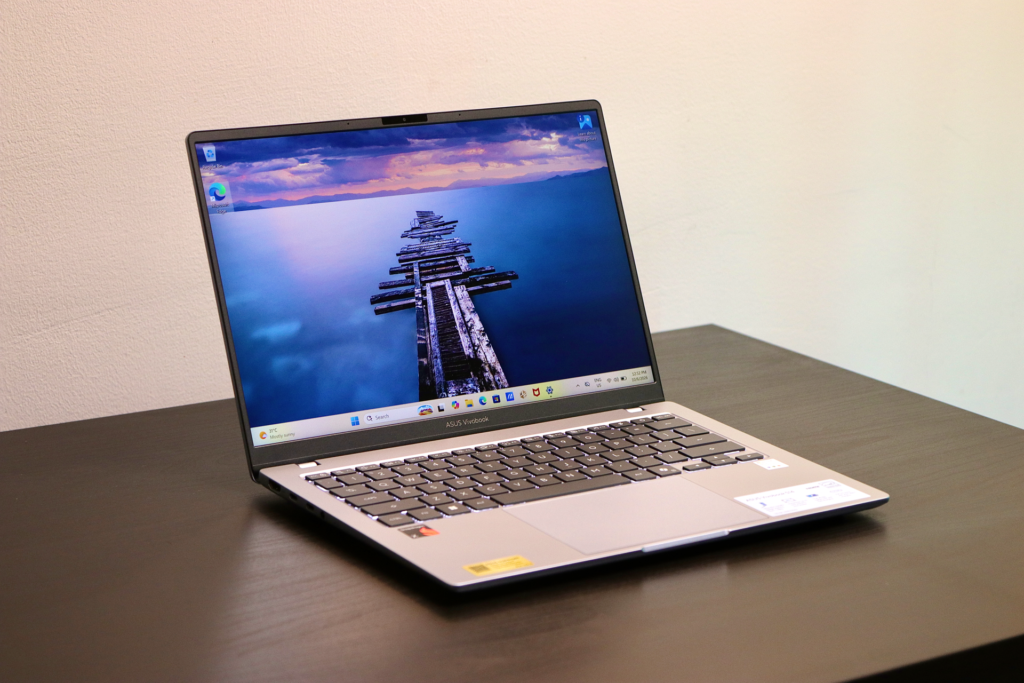
Ultimately, if you are a student or professional seeking an ultralight, sturdy laptop with stellar battery life, a comfortable keyboard, and no port compromises, the ASUS Vivobook S14 (S5408) is a very compelling daily driver. Just make sure to grab the 16GB + 512GB model upfront so your multitasking and storage management are not constrained.
The Vivobook S14 S5408QA starts with a price tag of PHP 49,995. Check out the links below for more information.
Product page: https://www.asus.com/ph/laptops/for-home/vivobook/asus-vivobook-s14-s5408-qualcomm/
Where to Buy: https://www.asus.com/ph/content/where-to-buy-laptops-and-desktops/
Warranty, “ASUS No. 1 Quality and Service”: https://www.asus.com/ph/microsite/no1quality-and-service/