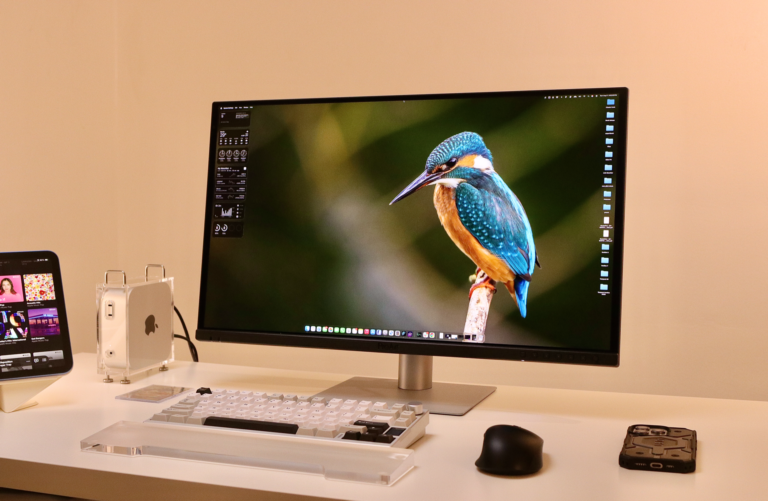
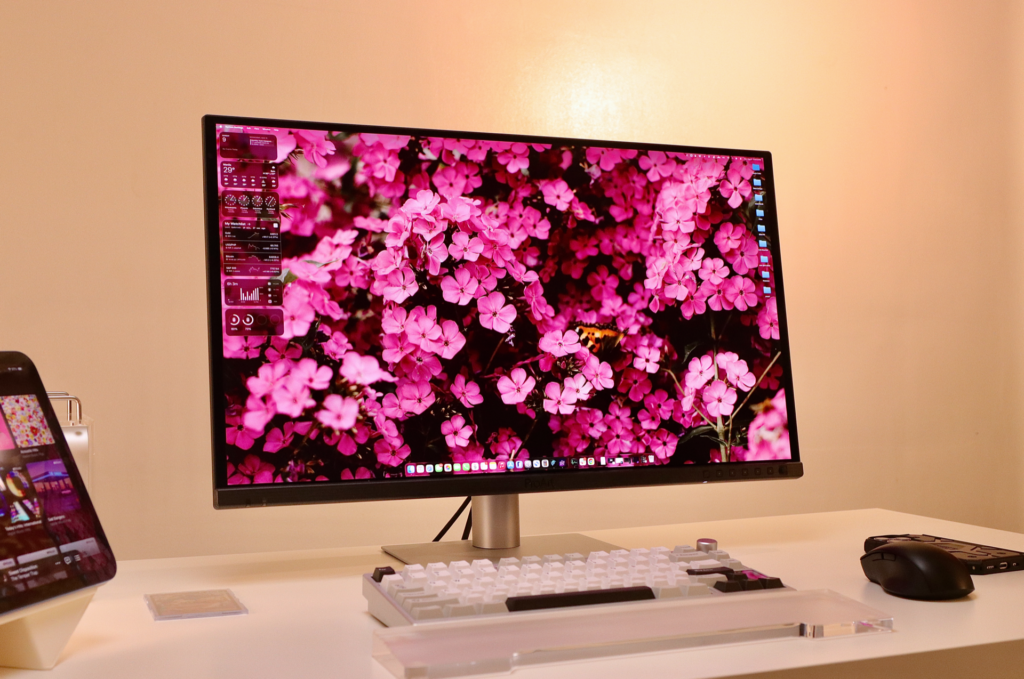
I’ve been testing the ASUS ProArt OLED Display PA279CDV alongside my Mac mini M4, focusing on photo editing and standard work-from-home tasks. While many OLED screens are marketed toward the gaming crowd, this 26.5-inch 4K display is built specifically for color-critical work and integrates closely with the macOS ecosystem.
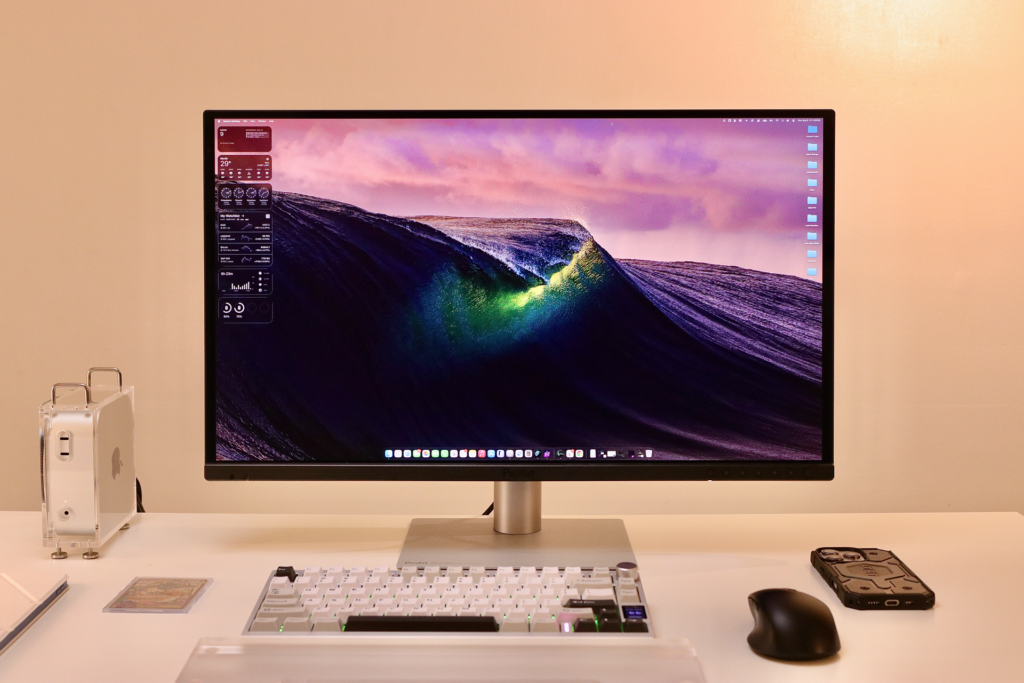
The 4K resolution on a 26.5-inch panel results in a pixel density of 166 PPI, which makes the screen very sharp for high-resolution photo editing. The QD-OLED panel produces punchy, vivid colors that still feel grounded in accuracy. Out of the box, it arrives factory-calibrated and Calman Verified with a Delta E of less than 1.5, meaning the color precision is reliable enough for professional projects immediately.
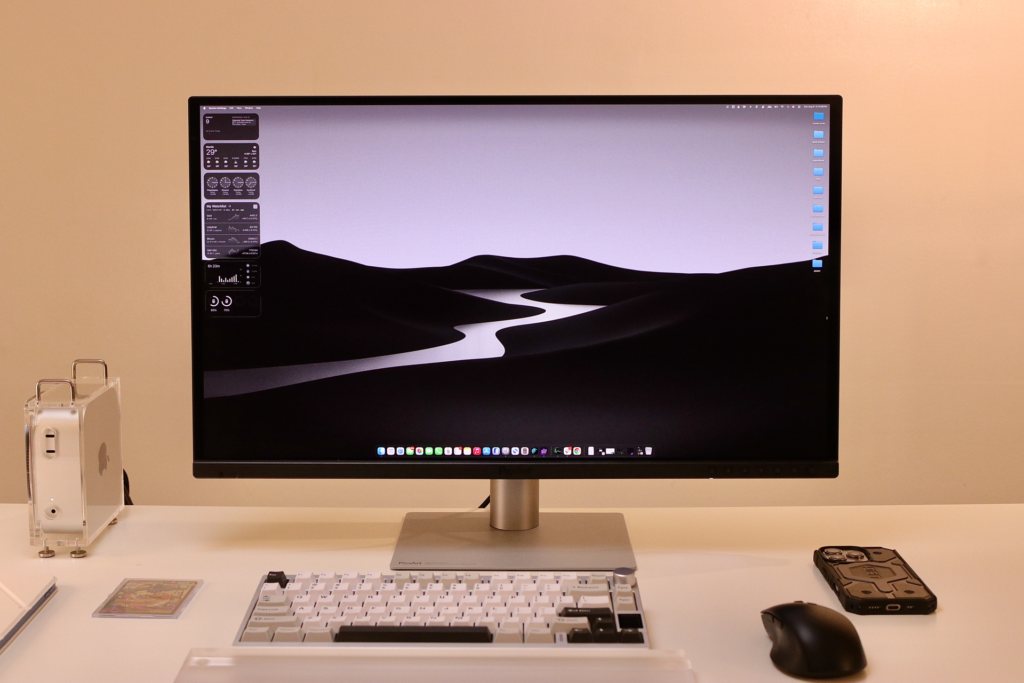
One of my primary concerns with OLED is often the glossy, reflective surface, but ASUS used an anti-reflection coating here. Glare was minimal even in a room with standard window light, which made it easier to focus on shadows and fine details during my editing sessions. For HDR work, the VESA DisplayHDR True Black 400 certification ensures that blacks are actually black, offering a contrast ratio of 1,500,000:1.
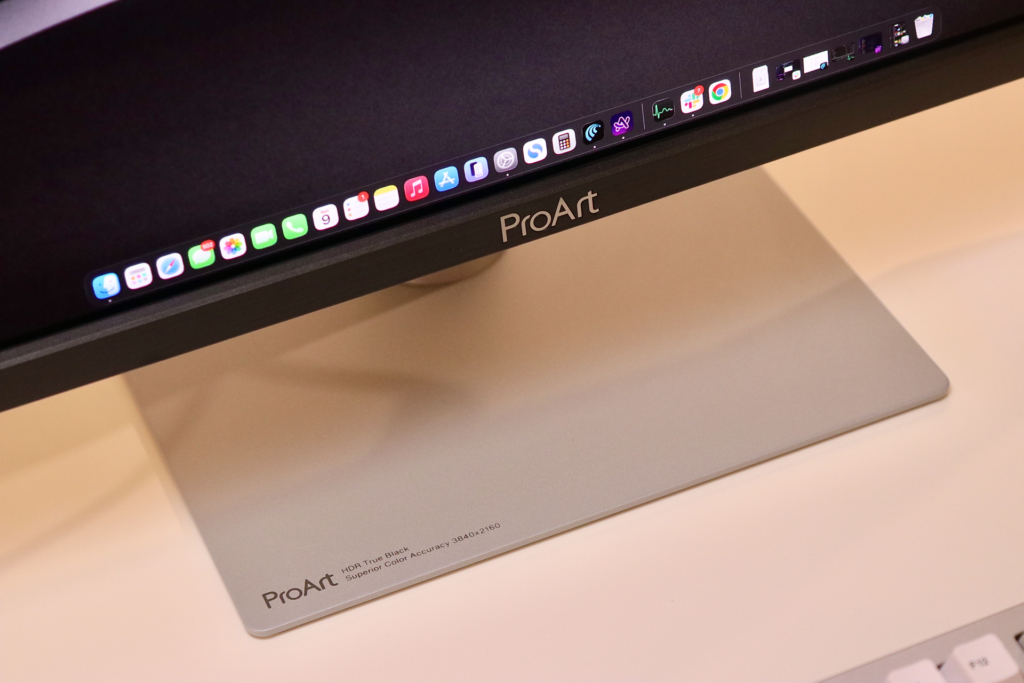
When it comes to its build, ASUS updated its ProArt design language with this model, giving it a profile that is 30% thinner and a stand that is 2.5 times slimmer than older versions. The base takes up 33% less desk space, which is a practical change for anyone with a crowded home office setup. The stand offers full ergonomic flexibility, allowing you to adjust the height by 130mm, tilt, swivel, and pivot the screen into portrait mode.
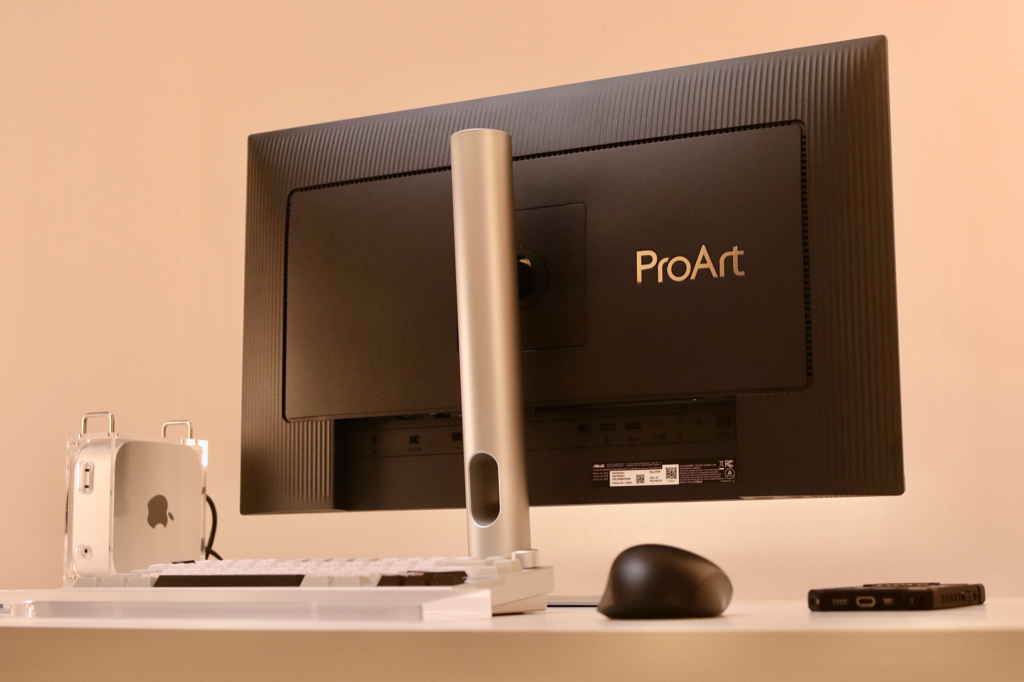
The build includes some thoughtful material choices. A graphene film sits behind the panel to help dissipate heat, which is important for maintaining the longevity of an OLED screen. For those worried about durability, the panel has an anti-scratch film that is 2.5 times harder than previous QD-OLED generations. On the sustainability side, the rear cover uses 85% post-consumer recycled plastic. Even the 100% recycled cardboard packaging is designed to be repurposed into a laptop stand or desktop organizer.
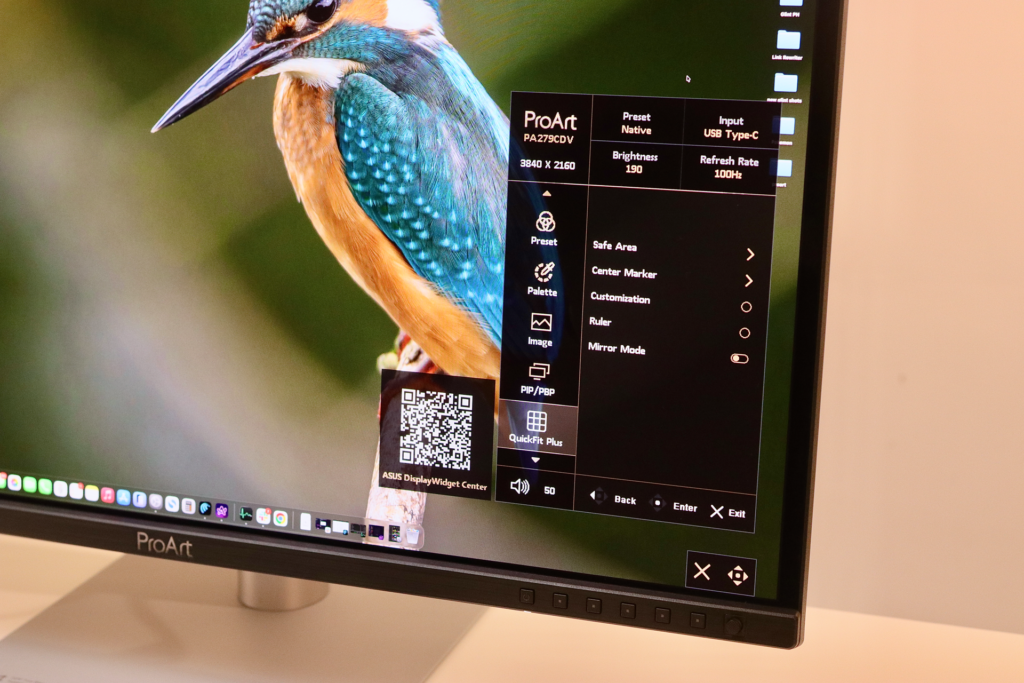
The physical interface uses a front-button design for quick adjustments. While functional, placing these buttons underneath the bottom bezel would likely result in a cleaner, more minimalist look that better complements the aesthetic of the Mac mini (or MacBook).
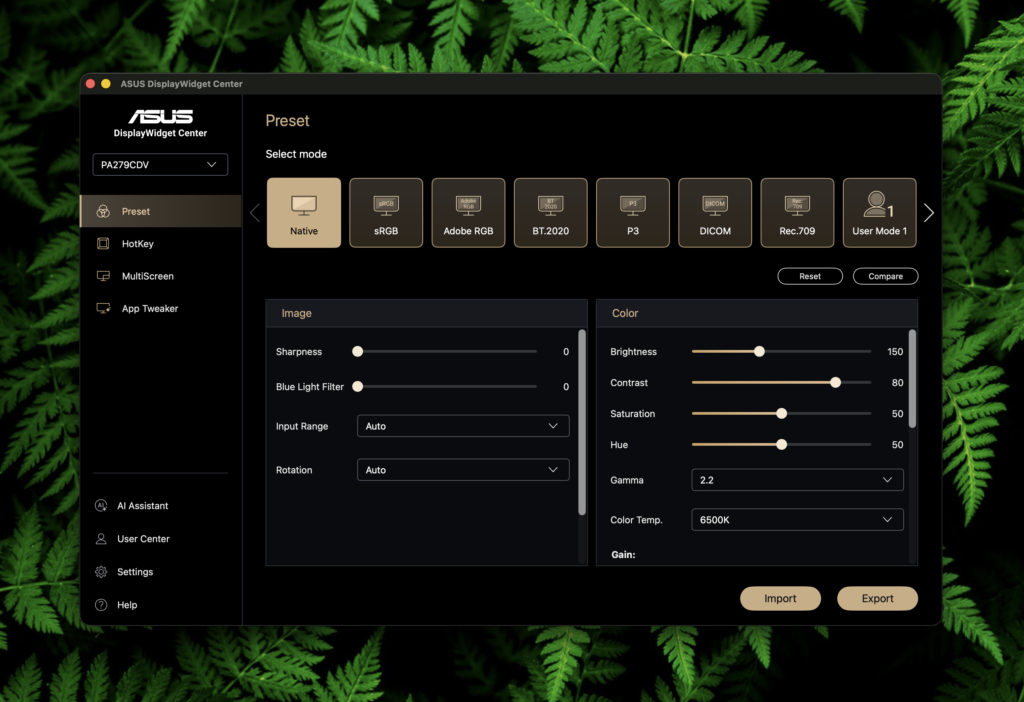
ASUS markets this as a “Mac Companion,” and the software integration backs that up. The M Model-P3 color setting is specifically designed to align the monitor’s color temperature and gamma with a MacBook’s built-in display, ensuring visual consistency when you move windows between screens.
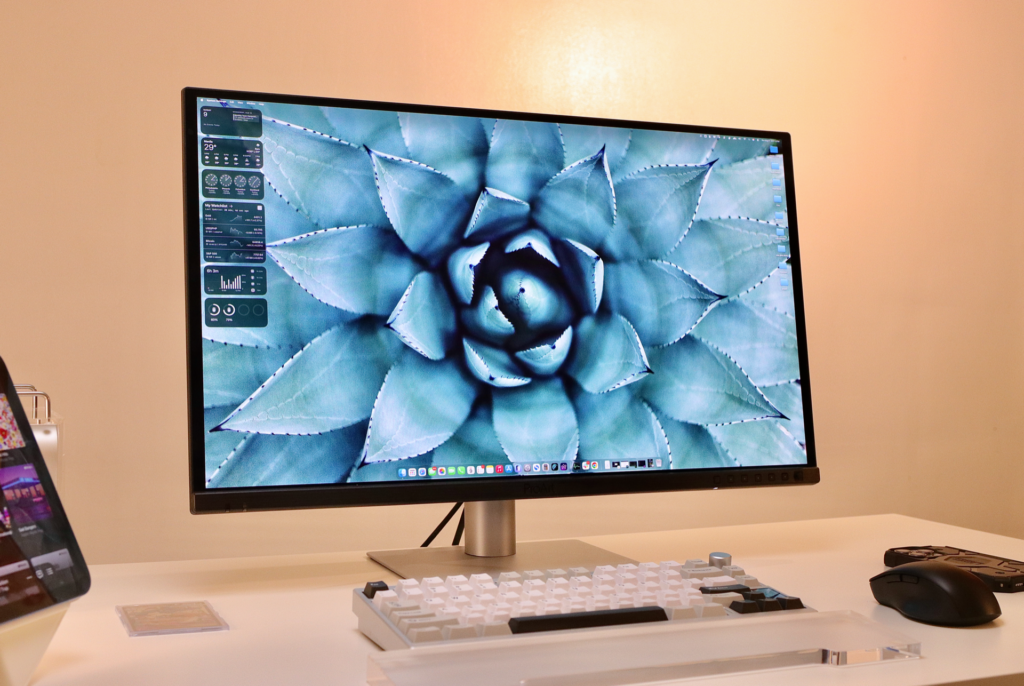
Here are other features make the transition between a Mac and an external display feel more native:
- ProMotion Sync: The 120Hz variable refresh rate (VRR) is compatible with Apple’s ProMotion technology for fluid scrolling and motion.
- Keyboard Controls: If you install the DisplayWidget Center software, you can use the standard brightness keys on a Mac keyboard to control the monitor’s brightness directly, provided your cursor is hovering over the ProArt screen.
- Single-Cable Connectivity: A single USB-C cable handles the 4K video signal and data while providing 96W of power delivery. This is enough power to keep a MacBook Pro charged during heavy rendering tasks, though for my Mac mini setup, it mostly serves as a clean way to handle the display signal.
Another thing the makes this monitor special is that it also acts as a hub for your workstation. It includes a built-in Auto KVM switch, which allows you to control two different computers using a single keyboard and mouse. This is useful if you need to switch between a work laptop and your personal Mac mini. There is also a USB 3.2 hub on the bottom for easy access to peripherals.
To manage OLED-specific issues like burn-in, the ASUS OLED Care suite includes several protective measures. This includes pixel shifting and a proximity sensor that dims the screen automatically when you walk away. For those who work long hours, the display is TÜV Rheinland-certified for flicker-free performance and includes a low blue light filter.
Is this for you?
The ASUS ProArt OLED Display PA279CDV OLED is priced at PHP 58,000. It is aimed at photographers, video editors, and graphic designers who need a color-accurate OLED but want features that make it behave like a native Mac screen. It bridges the gap between a high-end color grading tool and a responsive, high-refresh-rate display. The front-facing buttons are just a slight aesthetic trade-off, but the screen quality and Mac-specific features make it a very capable primary monitor for the creative professional.
ASUS “Locked-In For The New Term” PROMO:

Purchase an eligible ASUS and ROG product from participating partner stores and score exclusive student bundle rewards. Promo runs from July 1 to August 31, 2026.
CLICK HERE FOR DETAILS: https://ph.asus.click/b2s2026