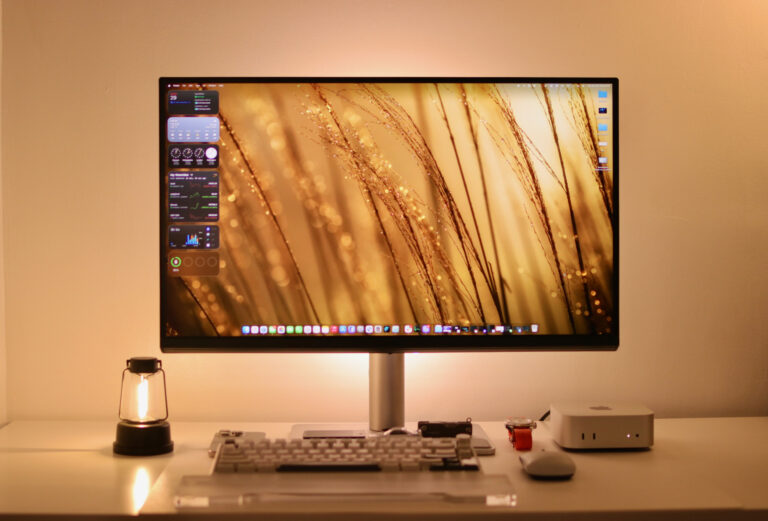
Apple’s MacBook has one of the best laptop screens on the market. Matching a monitor to it can be tricky, especially if you’re used to that quality. You could buy an Apple monitor, but that’s an expensive purchase. The BenQ MA270U sets out to address this by focusing on Apple users—and it delivers without breaking the bank.
The MA270U is built around a simple idea: the monitor stays at your desk, ready to receive your MacBook or Mac (in this case, our Mac mini). When it’s time to work, just plug in your device with a single USB-C cable. This is one of our favorite things about the MA270U—it functions like a hub, already accounting for the limited ports found in most Macs.
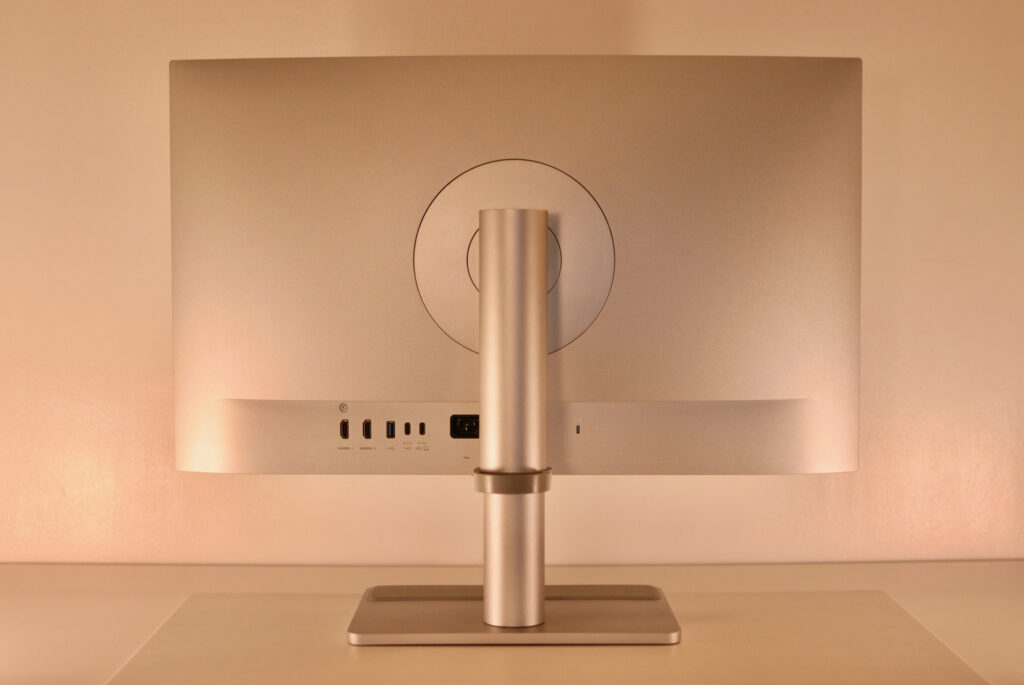
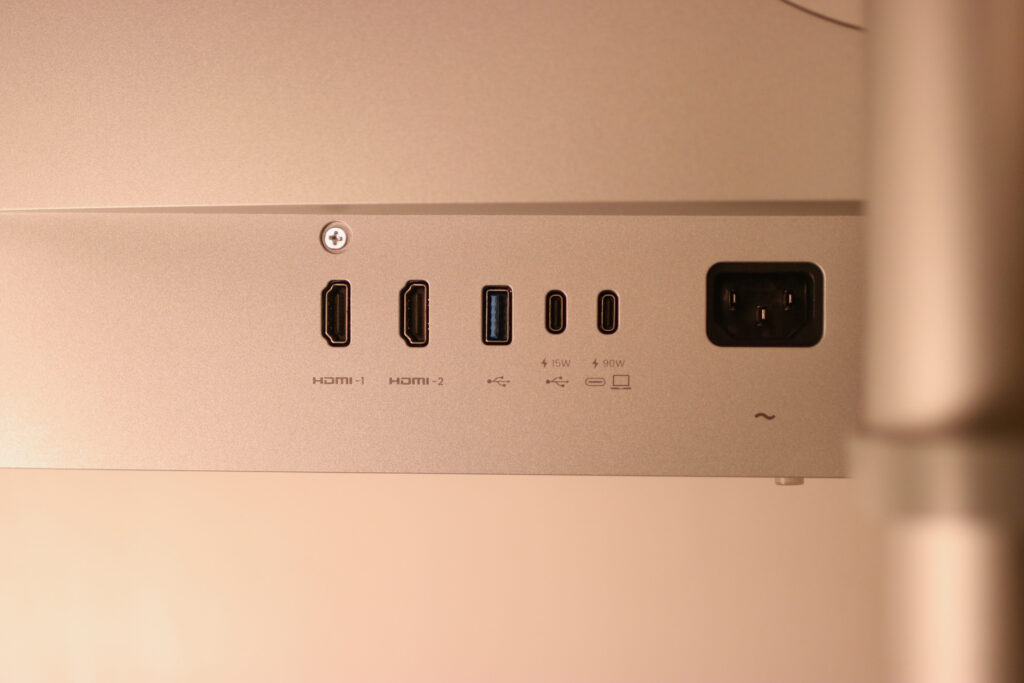
There are two USB-C ports: the main upstream port delivers 90W for your MacBook, while a second provides 15W for charging your iPad, iPhone, or other accessories. Add two HDMI 2.0 inputs, multiple USB-A downstream ports for peripherals, and a 3.5mm audio jack, and you’ve got a genuine docking solution. Your keyboard, mouse, dongles, and other gear all plug into the monitor instead of cluttering your laptop. It’s not a full-featured Thunderbolt dock replacement, but for everyday productivity needs, it handles the job well. The monitor also syncs brightness and volume controls directly with your MacBook—adjusting one changes both. In the end, you’re looking at a desk setup with no power brick, no separate data cables—just one line running to your laptop.
The 27-inch 4K panel at 163ppi hits that sweet spot for macOS scaling. Text is razor-sharp, UI elements are crisp, and you’re not squinting at tiny fonts or dealing with the slight blur of non-integer scaling. If you work with code, documents, or any interface-heavy tasks, the clarity is immediately noticeable.
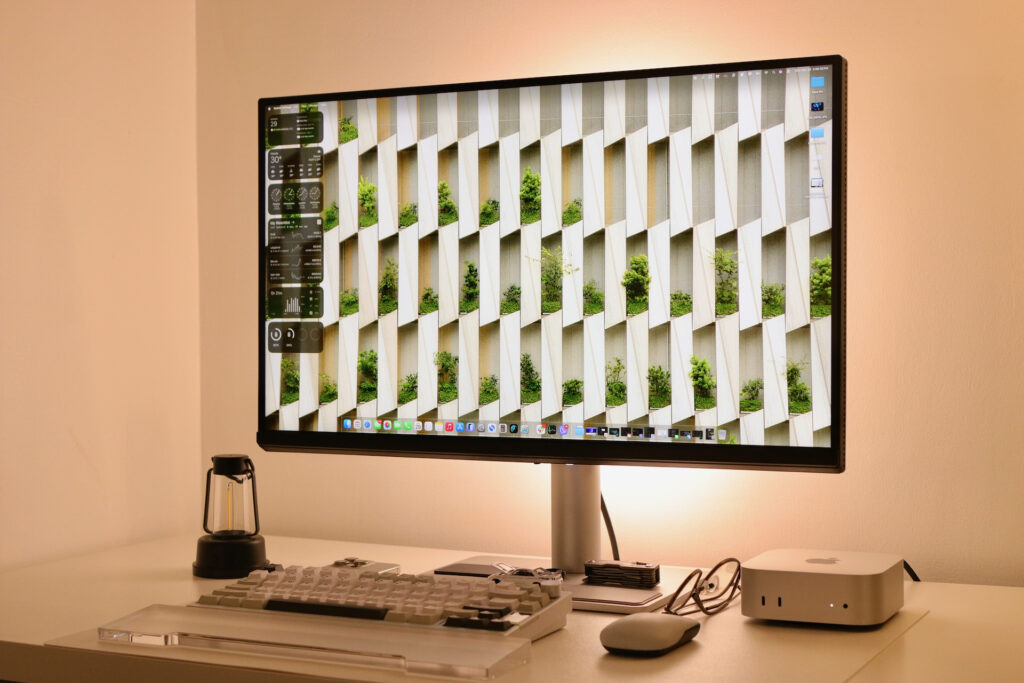
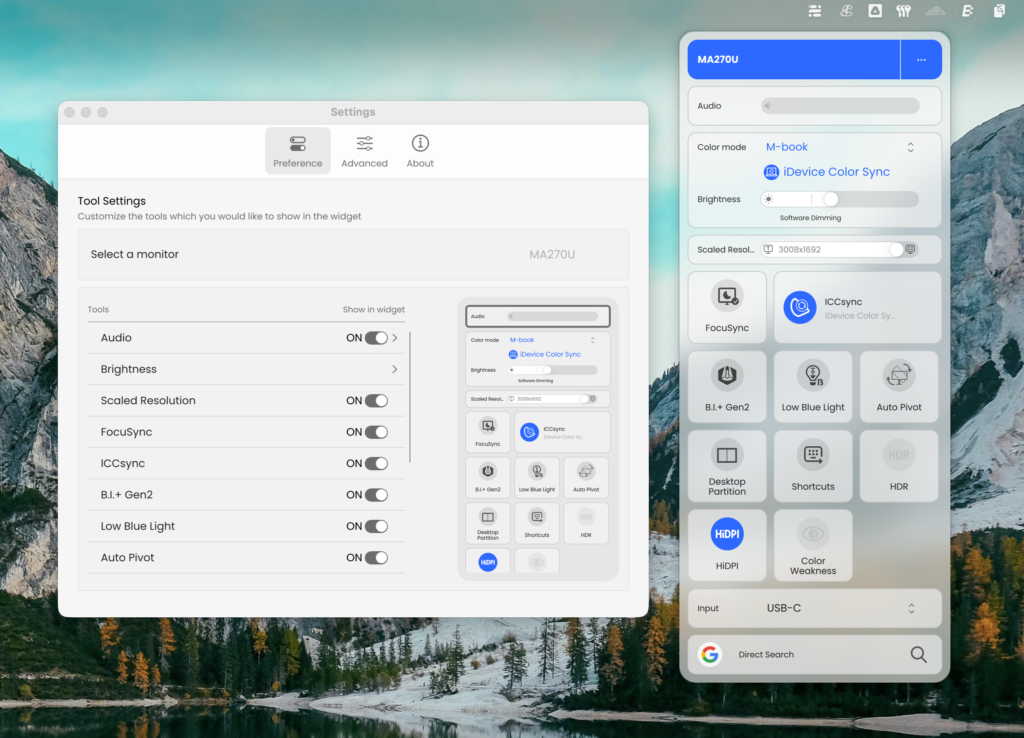
Mind you, BenQ didn’t just slap a 4K panel on a stand and call it Mac-compatible. The MA270U covers 95% of DCI-P3 and 99% of sRGB with 10-bit color depth, putting it squarely in creative work territory for photo editing and design. More importantly, it includes ICC Sync, a feature that synchronizes color profiles between macOS and the monitor. For most users, this means accurate color without diving into manual calibration hell. It also supports BenQ’s Display Pilot 2 software, giving you desktop control over picture modes, color settings, and other adjustments without reaching for physical buttons. It’s a small convenience that adds up when you’re frequently switching between work modes or fine-tuning settings.
BenQ also went with Nano Matte, an anti-glare treatment that preserves contrast and color while cutting down reflections. This means you can work in a bright office or near windows without constantly fighting glare, and you’re not looking at that washed-out, textured appearance some matte screens have. For anyone who’s struggled with reflections on their MacBook’s glossy display, this is a tangible quality-of-life improvement.
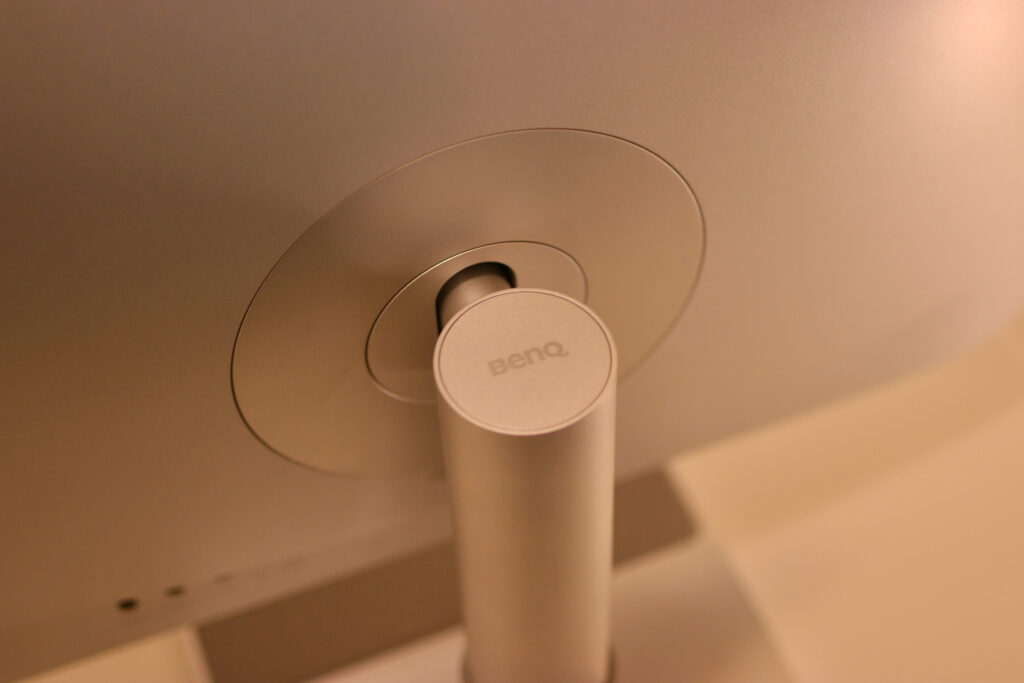
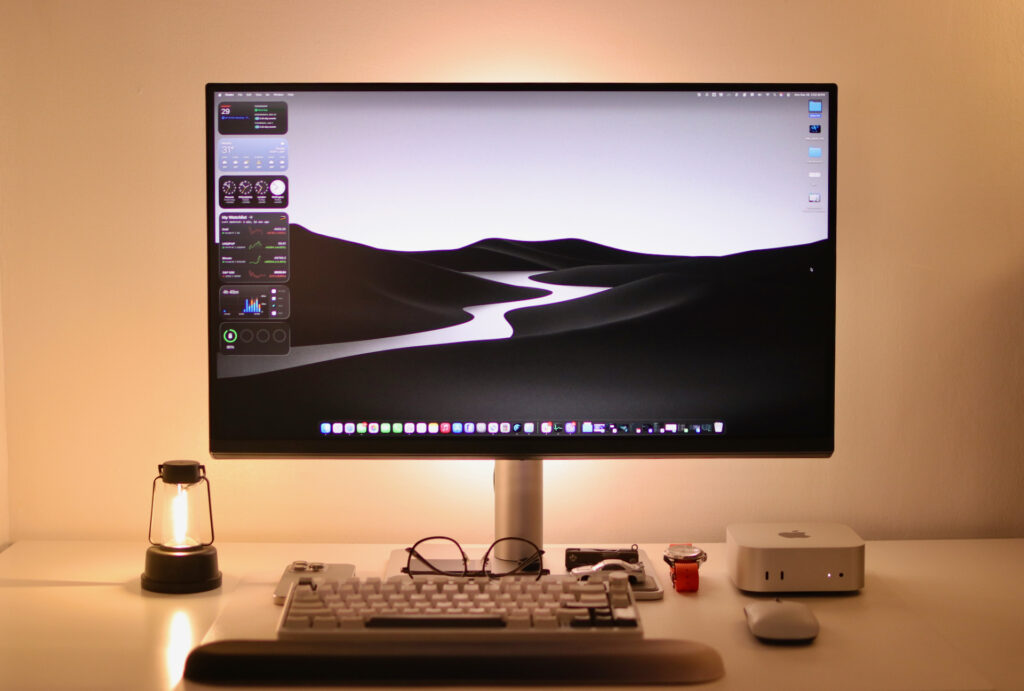
Ergonomics-wise, the stand offers 115mm of height adjustment, tilt, 15-degree swivel, and 90-degree pivot to portrait mode. The metallic chassis looks clean next to Apple hardware without trying too hard to be a knockoff. There’s VESA mounting if you want to arm-mount it.
The 2×3W speakers are exactly what you’d expect—fine for video calls and casual listening, but you’ll want real speakers or headphones for anything serious. At least there’s a 3.5mm jack built in.
Ultimately, the strength of the BenQ MA270U lies in its Mac-centricity and color accuracy at a lower cost. It’s not built for gaming. This is a workhorse for creative professionals and everyday productivity. If that matches what you need, the MA270U is one of the smartest Mac-focused monitors you can buy.
The BenQ MA270U is priced at under PHP 30K. To learn more about BenQ monitors, click here.